
Server backups for Minecraft worlds matter when friends build together for weeks and want a clear plan if something goes wrong. In simple terms, a backup is an older copy of the world, kept apart from the version you are playing now. That can matter after accidental damage, a bad decision, or world problems.
For a private group, the useful thing is knowing both of these can be true at once:
- your current world stays saved between sessions
- older copies can exist in case your group wants to go back
On EphemeralHost, Minecraft servers start from 0.25 €/h, are billed per minute, and games with a world are backed up at every pause.
What server backups mean for a Minecraft world
Server backups are extra saved copies of your shared Minecraft world, separate from the live version your group is playing in right now. Think of them as older snapshots of the same world, kept so your friends may have another point to return to if the current state is no longer the one you want.
That matters because a friends’ world usually becomes more valuable over time. A small mistake early on may not feel like much, but on a long-running server, one bad building change, accidental destruction, unwanted item loss, a risky experiment, or even griefing within the group can affect a lot of shared progress at once. In Minecraft, many hours can go into building, exploring, gathering resources, and shaping the map together, so protecting that progress is a practical concern rather than just a technical extra.
It also helps to separate two ideas that sound similar:
- The world stays saved means the server keeps the current state of the world and resumes from that point later.
- A backup is an earlier copy of the world that may help if the current state is not what the group wants anymore.
So if your server pauses and keeps the world saved, that is about continuing where you left off. Backups are about having older copies available in case your group wants to go back.
Just keep expectations realistic. Backups reduce risk and give your group more options, but they are not a promise that every problem can be undone. They become more important as more people spend more time in the same world, because multiple players can change builds, terrain, storage, and inventory over time.
If you are weighing a private world against public options, this guide on a private server for friends or a server list can help.
How backups work on EphemeralHost
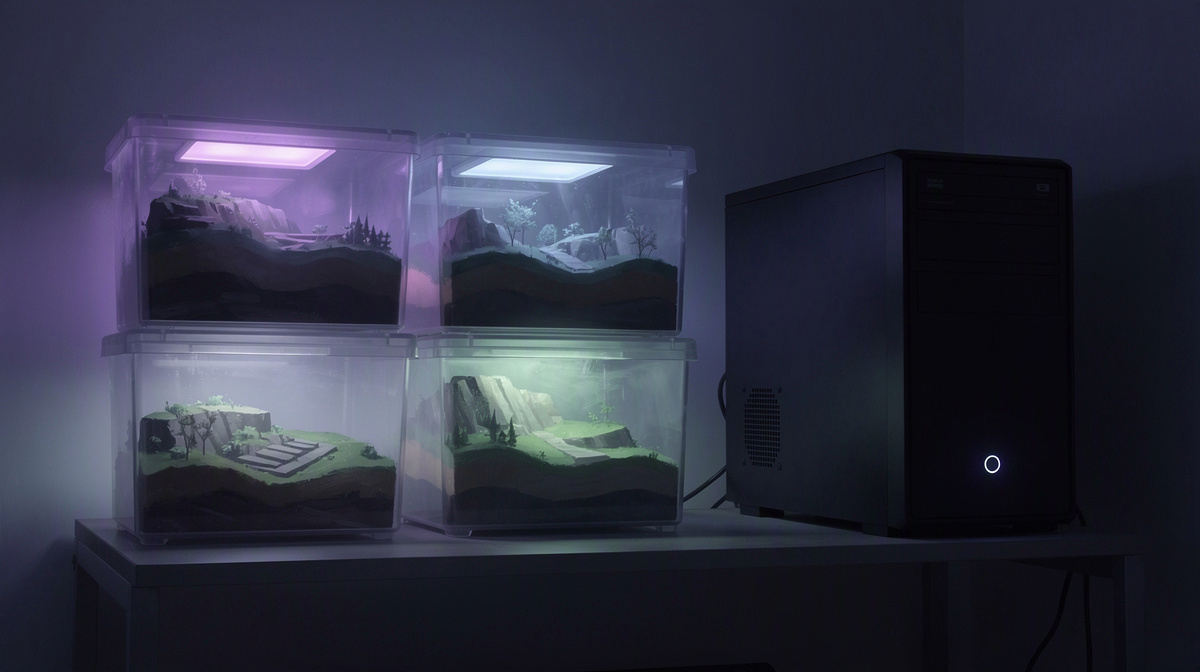
On EphemeralHost, games with a world are backed up at every pause, and the last 3 backups are kept for free. For a friends’ Minecraft server, that means backup timing is tied to when the server pauses, not just to the fact that the world exists.
By default, if nobody is online, the server pauses by itself after 20 minutes. When that happens, the world stays saved, so your group can come back later and continue from where it left off. This is the practical part many friend groups care about most: after a session ends and everyone logs off, the server can handle the pause on its own instead of relying on someone to remember a routine at the end of the night.
You can also change that pause timing per server. The idle pause can be set to 1 hour, 3 hours, or never. That matters for backups because pause-based backups happen when the server pauses. A shorter pause window can mean backups happen sooner after a session ends, while a longer window may fit groups that take breaks and come back the same evening.
If your group wants more backup history than pause-based backups provide, there is Backup-Plus. It backs up hourly and keeps 30 days for +€0.05/h. Hourly backups can make sense if your friends play long sessions, make a lot of changes in a short time, or simply want more restore points to look back to.
It is also useful to know how billing works here: add-ons are billed only while the server runs, so Backup-Plus costs apply only during runtime.
For readers comparing hosting details more broadly, the full price list shows per-minute billing across games, and the Minecraft server page covers Minecraft on EphemeralHost. If you are specifically looking for Bedrock help, see this guide on hosting a Bedrock server or this explainer on Bedrock connection details.
Getting a private Minecraft server running for your group
For a private Minecraft world, the setup can stay simple. The basic flow is:
- create the server in the browser
- pick the slots
- start it in the panel or with
/startin Discord - give your friends the address the panel shows
That gives your group one shared place to join, instead of depending on one friend to run the game from their own PC whenever everyone wants to play. If you are new to this kind of setup, that is the main idea: one server address for the whole group, with one world that lives outside any single person’s computer.
Minecraft on EphemeralHost runs on the Casual tier, which is a container rather than the Performance tier’s VM. For a friends-only world, the useful part to know is not the technical label, but that you can get started without turning server hosting into a big project. Minecraft is available on the Minecraft page from 0.25 €/h, and billing is per minute.
That per-minute approach fits many friend groups well. Some servers are busy only on certain evenings, weekends, or short sessions after school or work. Paying for the time the server actually runs can make more sense for a world that is active in bursts instead of all day.
Once the server is set up, the world has a clear home for your group between play sessions. That is where the saved world state and backups start to matter in day-to-day use: the server is not just how your friends join, but also how the world is looked after when nobody is currently online.
If you want broader background on private game hosting, these guides on port forwarding, Squad for friends, OpenTTD for friends, ARK for PC friends, and a CS2 VPS guide cover the same basic idea in other games.
Why pause-based hosting fits casual Minecraft sessions
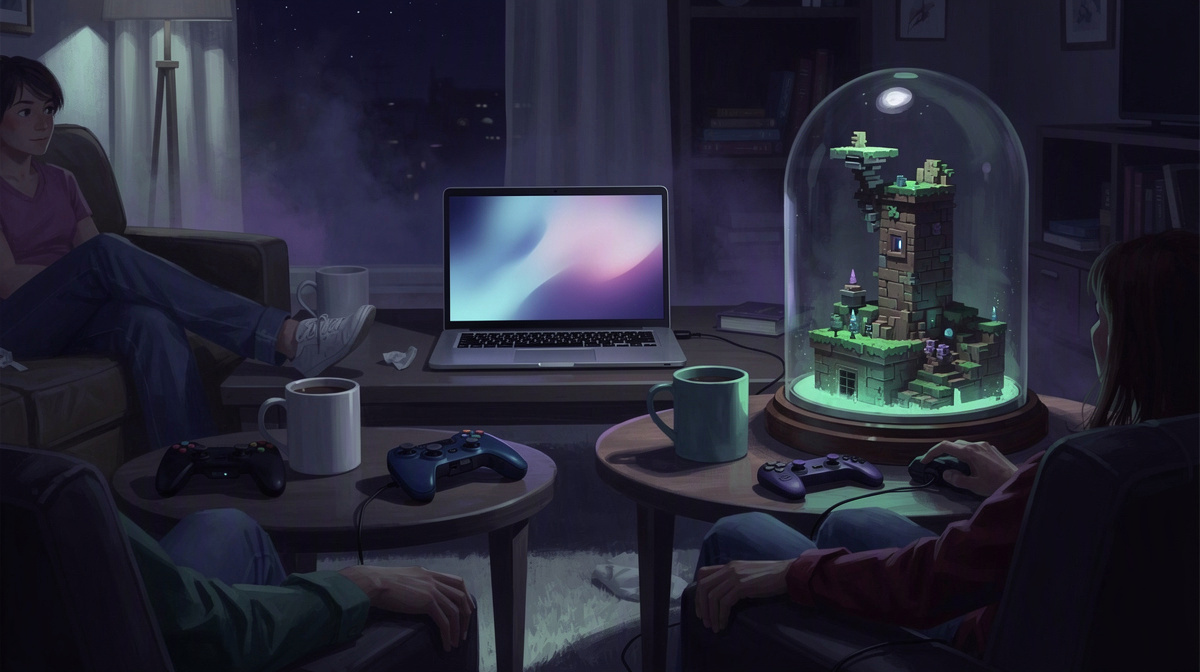
Server backups matter most when a Minecraft server matches how friends actually play. For many groups, that means short sessions a few evenings a week, not keeping the world online all the time.
Pause-based hosting fits that pattern. You create the server in the browser, pick the slots, start it in the panel or with /start in Discord, and share the address the panel shows. After that, the server is there when your group wants to play, without asking one friend to keep their own computer available for everyone else.
What makes this useful for casual play is the stop-and-start rhythm:
- start the server when people are ready
- play together
- log off when the session ends
- let the server pause when it stays empty
That setup works well for a friends-only world because play time is often irregular. Some weeks your group may play several times; other weeks, hardly at all. Minecraft servers on EphemeralHost start from 0.25 €/h, and billing is per minute, so the cost follows runtime instead of assuming the server needs to stay active between sessions.
It also keeps the world practical to share. Friends join through one server address, build in the same place, and come back to the same world later. When nobody is online, the server pauses by itself and the world stays saved, so the group can return for the next session without treating server hosting like a separate chore.
Common questions about server backups for Minecraft worlds
Can a backup help after a bad change in the world?
It can help in the situations friends usually mean when they search for server backups: an older copy exists apart from the current world.
That matters if your group later decides a recent change was a mistake. Typical examples are:
- a build your group wants to undo
- accidental destruction
- lost progress after an experiment
- a world state your friends no longer want to keep
A backup is not the same thing as the live world. It is an earlier copy from another point in time.
Do backups happen only when we are offline?
No. What matters is the server pause.
For games with a world, EphemeralHost backs up at every pause and keeps the last 3 backups for free. If your Minecraft server is empty, it pauses by itself after 20 minutes by default. That creates a clear point when a recent copy is kept.
The idle setting can also be changed per server to 1 hour, 3 hours or never. So the backup rhythm depends on when your server is set to pause, not on a daily schedule.
What if our group plays for a long time without pausing?
That is the case where Backup-Plus may fit better.
Backup-Plus backs up hourly and keeps 30 days for +€0.05/h. A long session can include a lot of building, mining, and exploring before anyone logs off. Hourly copies give your group more points in time to look back to than pause-based backups alone.
Because add-ons are billed only while the server runs, Backup-Plus is billed only during runtime.
Is this enough for a simple friends’ server?
For many groups, yes: create the server in the browser, pick the slots, start it in the panel or with /start in Discord, and share the address the panel shows.
Minecraft starts from 0.25 €/h. When nobody is online, the server pauses by itself and the world stays saved, while backups give your group older copies to fall back on.
Choose a setup that keeps your world easy to return to
Server backups are most useful when they match how your friends actually use the world. A small group usually does not need a complicated routine. What helps is knowing which kind of protection you want from one session to the next.
A simple way to think about it is:
- keep the current world ready for the next session
- keep older copies in case your group wants to roll back
- choose more backup history only if your play sessions make it worth it
That makes the decision less about technical detail and more about habits. If your group plays in short bursts, the free backups kept from pauses may cover what you need. If you build for hours at a time and want more points to return to, Backup-Plus adds hourly backups and keeps 30 days for +€0.05/h.