
OpenTTD is at its best when friends share one transport-building sandbox, grow routes and towns together, and keep the same world going across more than one session. This guide shows a simple way to get a private server online on EphemeralHost without a subscription. OpenTTD starts from 0.25 €/h and is billed per minute, so you can run it when your group wants to play instead of paying for idle time. The basic flow is simple: create the server in the browser, pick the slots, start it in the panel or with /start in Discord, then share the address shown in the panel with friends. See OpenTTD on EphemeralHost or the price list of every game.
Why a Shared OpenTTD Server Works Well for Friends
A shared OpenTTD server gives your group one persistent world to build in together. Instead of depending on one friend to host from their own PC each time, everyone meets in the same saved company-building sandbox whenever the server is running.
That matters in a game like OpenTTD because a good world grows over time. Railways expand, roads connect new areas, routes get refined, and towns change as the group keeps building. With a private server for friends, you can return to the same map across multiple sessions and continue what you started instead of treating each night like a fresh setup.
It also makes planning easier for friends in different places. Maybe you want a short casual session one evening, or maybe your group wants a longer building night and a few hours to rethink routes and grow the network. Having one dedicated place for the world keeps the process simple: when the server is running, your group joins the address shown in the panel.
This guide is about that private, friend-group setup. It is not about public communities, creators, or events. The goal is simply to help a group of friends play together with less friction.
If you have seen similar friend-group guides for games like Luanti, Enshrouded, Satisfactory, Factorio, Mordhau, Palworld, Vintage Story, or Holdfast, the idea is similar here. For OpenTTD details, the game page includes how to join and its current price.
How to Get Your OpenTTD Server Online

Getting an OpenTTD server online for your group is meant to be straightforward. You create the server in the browser, choose how many slots your group needs, and finish the setup from there. This guide is only about the OpenTTD setup for friends, so the important part is the simple flow rather than technical details.
OpenTTD runs on the Casual tier. For that reason, there is no need here to compare it with other tiers or talk about hardware. If your goal is just to get a private world ready for friends, you can stay focused on the basic steps.
A simple way to think about it is:
- create your OpenTTD server in the browser
- pick the number of slots for your group
- start the server when everyone is ready to play
- share the address shown in the panel with your friends
When the session is about to begin, you can start the server from the panel. That works well if one person in the group is handling the setup and wants to bring the server online right before everyone joins.
If your group already plans sessions in Discord, there is another convenient option. The same server can also be started with /start in Discord. For friend groups that already coordinate there, that can fit naturally into the way the session begins.
Once the server is running, the panel shows the address your friends need. You can drop that into your group chat so everyone knows where to join.
There is no need to get into ports, file names, settings, menu paths, or version numbers here. The idea is simply to create the server, start it when your group wants to play, and share the address.
If you want the broader pricing view across all supported games, the public price list also shows that billing is per minute.
What You Pay For, and What You Do Not
For OpenTTD, pricing starts from 0.25 €/h. That gives friend groups a simple baseline: you are not committing to a monthly subscription just to keep a server available.
EphemeralHost uses prepaid credit without a subscription. That works well for groups that do not play on a fixed schedule. If your friends meet some weeks and skip others, you can top up credit and use it when you actually want to run the server.
A few practical points matter here:
- prepaid credit never expires
- Discord accounts at least 30 days old can receive €2 starter credit
- billing is per minute
- add-ons are billed only while the server runs
The everyday effect is straightforward. Your group pays for the time the OpenTTD server is running, rather than paying the same fixed amount through quiet periods when nobody is playing. For occasional sessions, weekend games, or a return to the same world every now and then, that can feel easier to match to how friends really play.
This also keeps the cost model easy to explain to the group. One person can create the server, add credit, and start it when the session begins. From there, the spending tracks running time instead of idle time.
If you decide to use any add-ons available for your server, the same general rule applies: they are billed only while the server runs. So the core idea stays the same throughout: pay for play time, not for a subscription sitting unused between sessions.
A Server That Pauses When the Session Ends
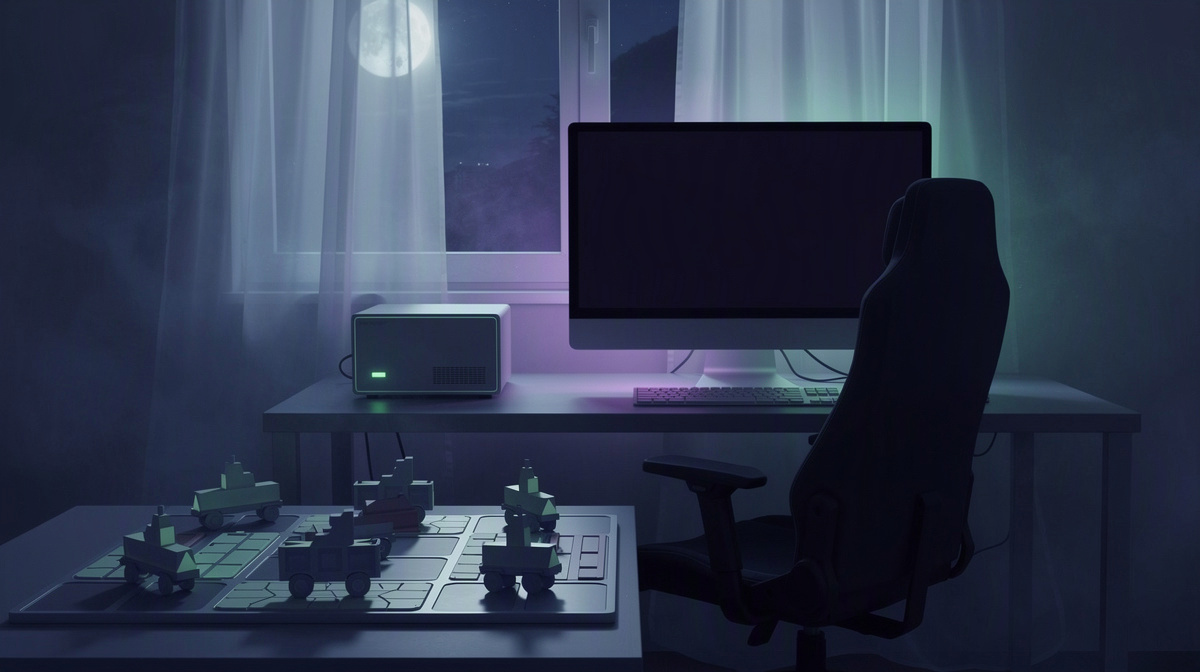
One of the most useful parts of hosting for a friend group is what happens after the session is over. When nobody is online, the server pauses by itself and the world stays saved. That means your group can treat the server like a shared place to return to, not something that needs to keep running between game nights.
By default, this automatic pause happens after 20 minutes with nobody online. For many groups, that is a good fit: people log off, wrap up the evening, and the server stops on its own shortly after.
If your group wants a different gap between sessions, that setting can be adjusted per server. You can change it to:
- 1 hour
- 3 hours
- never
In everyday use, this makes the server feel flexible. Maybe everyone leaves right after a session, or maybe your group expects a longer break before coming back later the same evening. Either way, you do not have to think of the world as disposable. Friends can pick up where they left off instead of rebuilding progress from scratch.
There is another helpful piece to this. Games with a world are backed up at every pause, and the last 3 backups are kept for free. That helps protect recent progress around those natural stopping points, while keeping expectations realistic.
That session-based approach is similar to the way other friend-group guides on the site handle flexible play, such as How to Host a Factorio Server for Friends.
Tips for a Smooth OpenTTD Game Night
A little planning can make a friend-group session feel much easier. Before the server goes live, it helps to agree on a few basics so one person is not sorting everything out at the last minute.
Start with the simple decisions:
- choose who will create the server
- decide how many slots your group needs
- pick a rough time to start
Once the server is running, share the address in the same group chat or Discord channel where everyone is already coordinating. That keeps the join details in the place your friends are already checking, which cuts down on back-and-forth.
It is also worth deciding ahead of time how you want the pause behavior to work. The default is that the server pauses after 20 minutes with nobody online, but some groups may prefer a longer idle window if people expect meal breaks, short interruptions, or a gap before a second session later that evening.
You can also set the tone in advance. Maybe your group wants a relaxed build night, or maybe you are planning a longer collaborative campaign across multiple sessions.
Because the server can be started from the panel or with /start in Discord, it can fit both spontaneous play and more organized game nights.
Common Questions About Hosting an OpenTTD Server
How do I start an OpenTTD server for my friends on EphemeralHost?
Start by creating the OpenTTD server in the browser and choosing the number of slots your group needs. When it is time to play, start it from the panel or use /start in Discord. That is the basic flow for a private friend-group server: create it, pick slots, start it when needed, then share the server address with the group.
How do my friends join the server once it is running?
After the server starts, the panel shows the address your friends need to join. Send that address in your group chat or Discord channel so everyone has the same join details in one place. From there, your friends can connect to the running server and meet in the same shared world.
What happens to our OpenTTD world when everyone logs off?
When nobody is online, the server pauses by itself and the world stays saved. By default, that happens after 20 minutes with nobody online. You can change that per server to 1 hour, 3 hours, or never if your group wants a different gap between sessions. Games with a world are also backed up at every pause, and the last 3 backups are kept for free, which helps protect recent progress.
Do I need a subscription to host an OpenTTD server for friends?
No. EphemeralHost uses prepaid credit without a subscription. Credit never expires, so groups can add funds and use the server on their own schedule. If your Discord account is at least 30 days old, you can also receive €2 starter credit.
How much does an OpenTTD server cost on EphemeralHost?
OpenTTD starts from 0.25 €/h. Billing is per minute, so the cost follows the time the server runs. That setup can suit friend groups that want to bring the server online for a session, let it pause when nobody is there, and come back later to the same saved world.
Getting Started Is the Hardest Part
For most groups, the main hurdle is simply beginning. After that, the flow is straightforward:
- create the OpenTTD server in the browser
- choose the slots for your group
- start it when you want to play
- share the address shown in the panel
That setup works well for friends who want a private world without turning it into a big project. Pricing starts from 0.25 €/h, and billing is per minute, so you can line server time up with the sessions you actually want to run.
Just as important, when nobody is online, the server pauses itself and the world stays saved. Before your first session, check the OpenTTD game page for current details.