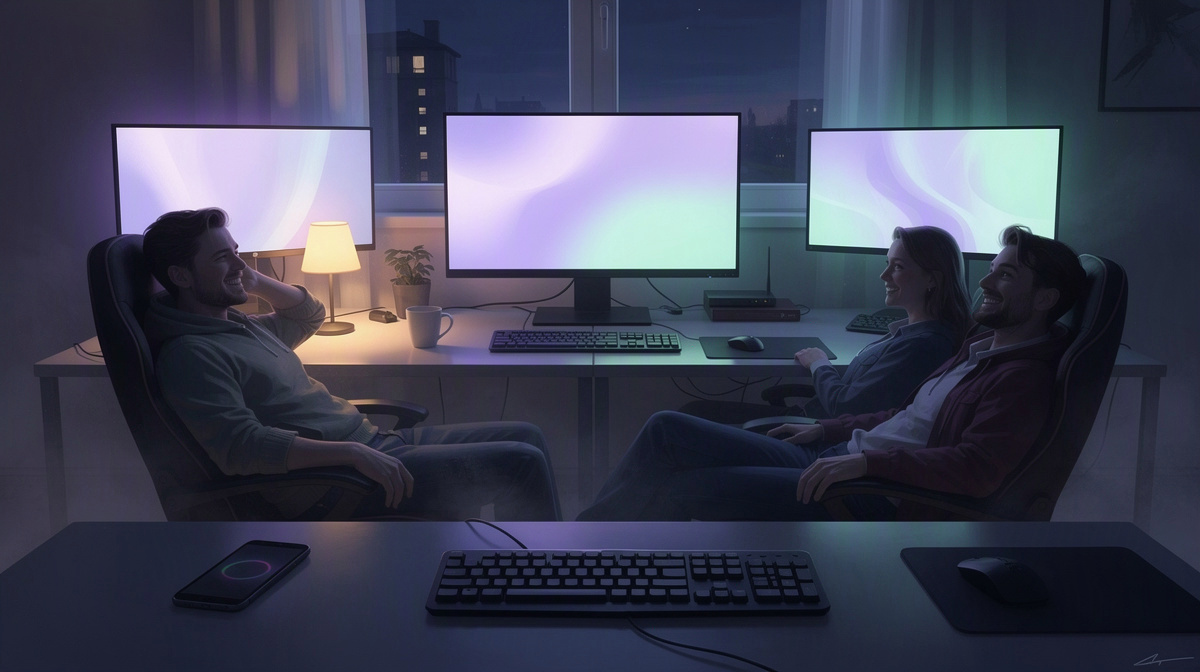
A private Mordhau server gives your group one place to meet, practice, and play on your own schedule. This guide is for small friend groups who want something easy to start and easy to share, without turning server hosting into a separate hobby. On EphemeralHost, Mordhau runs on the Performance tier, a dedicated VM, from 0.99 €/h. You can see the game details on the Mordhau game page and check the full price list. From here, the guide will walk through the simple path: create the server in the browser, start it in the panel or with /start in Discord, share the address, and let it pause itself when the session is over.
Why a Friend Group Might Want Its Own Mordhau Server
A private Mordhau server makes it easier for friends to meet in one place without relying on a public lobby. The appeal is simple: you recognize the people you are fighting, you can run rematches without interruption, and the whole session feels more like your group’s own space for the evening.
That can fit a lot of different plans:
- relaxed nights where everyone drops in for a few rounds
- practice duels with familiar opponents
- small clan-style sessions among friends
- a regular place to gather when the group wants something predictable
For many groups, that is the real reason to host. It is less about deep server administration and more about making it easy to say, “we’re playing tonight,” and give everyone one address to join.
It also matches how friends usually play. Most groups do not need a server running all day. They mainly need one ready when people are actually online together, then out of the way when the match night is over.
So this guide stays focused on the practical path from “we should host one” to “here is the address, join in,” instead of getting lost in advanced setup details.
If you want to see Mordhau on EphemeralHost, including its price and the game-specific steps to join, check the Mordhau game page.
If your group also plays other games, there are similar friend-group guides for Vintage Story, Holdfast, TF2, Valheim, TModLoader, CS Deathmatch, CS2, and Minecraft Bedrock.
How to Get a Mordhau Server Running

The setup flow is straightforward. First, create a Mordhau server in the browser. As part of that, choose the number of slots that fits your group, then finish the setup in the panel.
When your friends are ready to play, start the server from the web panel. If your group already plans sessions in Discord, there is another simple option: start the same server with /start in Discord instead.
Once the server is running, the panel shows the address for your server. That gives you one clear thing to send to everyone else in the group. Each friend joins by using the address shown there, and the game page covers the exact join steps.
That is really the main idea of this guide: keep the process easy to follow and easy to share. You do not need a long technical checklist just to get a private game night going. This article does not need to get into ports, file names, menu paths, settings, or version numbers. For most friend groups, the useful part is simply:
- create the server
- pick the slots
- start it when people are ready
- send the address to the group
The payment side is built around that same kind of flexibility. EphemeralHost uses prepaid credit without a subscription, and the credit does not expire. That suits groups that play regularly for a while, then skip a few weeks, then come back when everyone is free again.
If someone in your group is setting things up through Discord, there is also a small head start available: Discord accounts at least 30 days old can get €2 starter credit. That can make a first Mordhau session easier to try without much commitment up front.
What You Pay for Mordhau and When Billing Starts
Mordhau is priced from 0.99 €/h.
The useful part for a friend group is how that turns into actual billing. EphemeralHost bills per minute, so you are paying for the time the server runs, not for a full month of keeping one online whether anyone is using it or not.
That lines up well with the way many groups actually play. Maybe you meet for a couple of matches on one weekend, skip the next, then come back for a longer session later. In that kind of pattern, paying by runtime is easier to match to real use than treating the server like something that needs to stay up all the time.
The public price list includes 19% VAT, so the displayed prices are already shown on that basis.
It also helps that the payment model uses prepaid credit instead of a subscription. You add credit, use it when your group plays, and there is no subscription required. For friends splitting costs casually, that can feel simpler than signing up for an ongoing monthly plan.
If you want to compare the current public price list and see the per-minute billing overview in one place, the pricing page covers that.
In short, the cost model is built around sessions, not around permanent uptime:
- Mordhau from 0.99 €/h
- billed per minute while the server runs
- prepaid credit with no subscription required
- public prices shown including 19% VAT
If your group is planning one longer get-together, there is also an event pass: one evening of 4 hours at a fixed price 10% below the per-minute price. It is paid up front and free to cancel before it starts.
What Happens After the Match Ends
A Mordhau server does not need someone watching it at the end of the night. If nobody is online for 20 minutes, it pauses by itself.
That is useful for the way many friend groups play. Some nights end suddenly when the last few people log off. Other times, everyone says they are done and moves back to chat. In either case, the server can stop on its own once it is empty, instead of continuing to run with no one using it.
This also gives your group a simple routine:
- start the server when people are ready
- play for as long as you want
- let it pause after the session if nobody is online
If 20 minutes feels too short or too long for your group, the idle setting can be changed per server. The available choices are:
- 1 hour
- 3 hours
- never
That means you can match the server to your group’s habits. A group that takes longer breaks between matches might want more time. A group that treats each session as one clear block might prefer the default. And if you want to decide manually when the server should stop pausing, there is a setting for that too.
The main point is simple: your Mordhau server can fit around your play sessions instead of asking your group to manage it closely after every match night. Once everyone leaves, it can step out of the way on its own and be ready to start again when your friends want another round.
Questions Friends Usually Ask
How many slots should we choose for a Mordhau server for friends?
Pick the number of slots based on the size of your usual group, not the biggest night you can imagine. If you normally play with a handful of friends, choose a size that fits that regular session. If your group sometimes brings a few extra people, leave a little room for that.
A simple way to think about it is:
- your usual player count
- whether spectators or late joiners are common
- whether you want the server to feel small and familiar or a bit more open
For most friend groups, the practical choice is the one that matches how you actually meet up.
Do we have to keep the server running all the time between play sessions?
No. A friend group usually does not need to leave it running between sessions. After 20 minutes with nobody online, the server pauses by itself.
If that default does not fit the way your group plays, you can adjust the idle timeout per server to 1 hour, 3 hours or never. That gives you some flexibility if people take longer breaks between matches or you want to keep the same session available for a while.
When it pauses, the world stays saved. That makes it easier to come back for the next play night without treating every session like a fresh setup.
Can we start the server from Discord instead of opening the panel first?
Yes. You can start the server with /start in Discord instead of opening the panel first. That is handy when your group already organizes there and wants to get the server running from the same place.
How do we tell our friends where to join the server?
Once the server is running, the panel shows the server address. That is the detail to send to your friends.
In practice, that usually means one person starts the server, copies the address shown in the panel, and drops it into the group chat so everyone can join from the same place.
Do we need a subscription to host a Mordhau server on EphemeralHost?
No. Mordhau uses prepaid credit, and no subscription is required. The credit does not expire, which suits groups that play some weeks and skip others.
If the setup is tied to Discord, accounts at least 30 days old can also get €2 starter credit.
A Simple Way to Host Mordhau for Your Group
For a small friend group, the hosting flow can stay simple:
- create the server in the browser
- choose the slots that fit your group
- start it in the panel or with
/startin Discord - share the address shown in the panel
That is the core path from "we should play" to everyone joining the same server.
For the group using it, the setup also matches how friend sessions usually work. Mordhau runs on the Performance tier, a dedicated VM, from 0.99 €/h. Because billing is per minute, the cost tracks the time the server is actually running instead of assuming it needs to stay online all the time.
After the night is over, the server can pause itself when it is empty, and the saved state means your group can come back for the next session without treating it like a brand-new start. If you want the exact join steps first, check the Mordhau game page before creating the server.