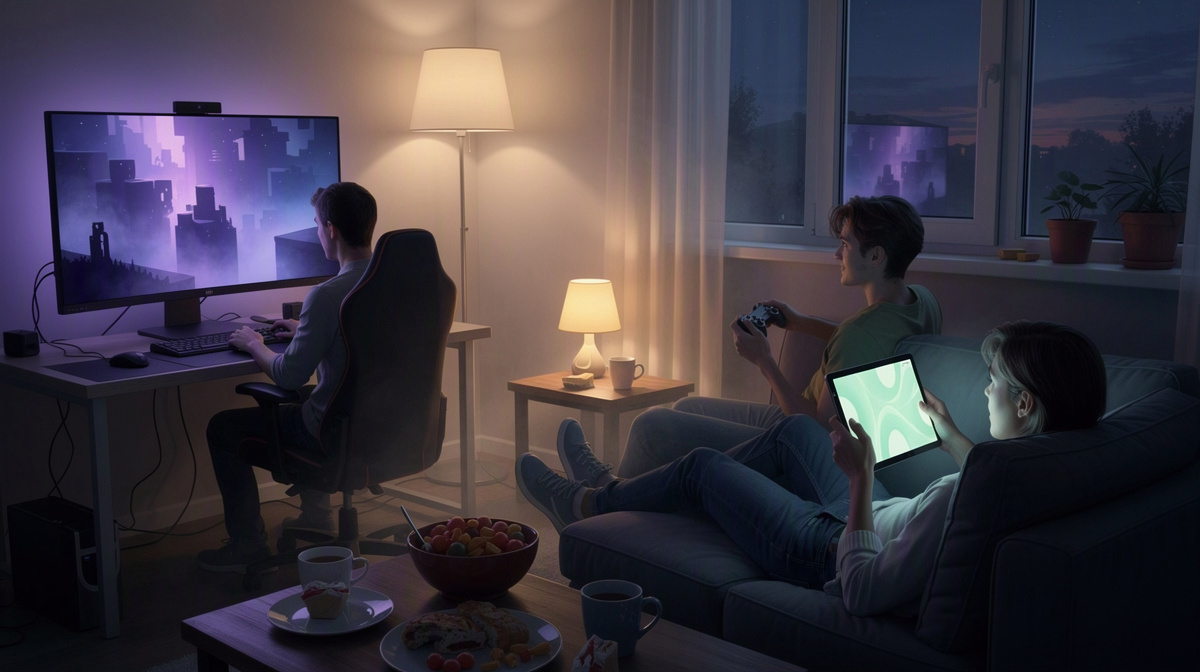
Want a private Minecraft Bedrock world for your friend group without keeping a server running all day? This guide is for small groups who want an easy, practical way to play together on their own schedule. With Minecraft Bedrock on EphemeralHost, you create the server in the browser, start it when your group is ready, share the address shown in the panel, and then jump in together. Later, when nobody is online, it pauses itself while the world stays saved. You can also check the public price list before you start.
Why friends choose a shared Minecraft Bedrock server
A shared Minecraft Bedrock server gives your group one world to keep coming back to. Instead of splitting progress across different sessions, everyone builds in the same place, explores the same map, and leaves something behind for the next time the group gets together. That shared world is often the real reason friends want a server in the first place.
Compared with playing only in a local session, a server feels more like a common hangout. The group is not tied to one person opening their own game every time. Instead, friends can meet in one persistent place where houses, farms, paths, and little group projects stay part of the same ongoing world.
That changes the social side of the game in simple ways:
- friends can build together over time
- adventures can pick up where the last session ended
- the world becomes a familiar place for the whole group
For many groups, the main goal is not advanced server management. It is just having an easy way to play together when people are free, without needing to keep the server running when nobody is there. That is why this guide keeps things straightforward and focuses on Minecraft Bedrock for first-time hosts.
If you want the game-specific details in one place, the Minecraft Bedrock page covers Minecraft Bedrock on EphemeralHost, including its price and how to join.
How to get your Minecraft Bedrock server online

Getting your group set up is meant to be simple. First, create your Minecraft Bedrock server in the browser. As part of that setup, choose the slots that fit your group size so the server matches the way you plan to play together. Once that is done, your server is ready for your next session.
When your friends are ready to play, start the server in whichever way suits your group:
- use the panel in your browser
- or run
/startin Discord
That makes the flow fit the way many groups already organize game nights. One person can handle the setup, then start the server when everyone is around in chat and ready to join.
After the server is running, share the address shown in the panel with your friends. That gives everyone the same place to join without turning this guide into a long technical walkthrough. The exact joining steps are listed on the game page, so this article can stay focused on the hosting side rather than game menus or other in-game details.
If nobody in your group has hosted a server before, that is fine. The process is designed to feel approachable: create it in the browser, pick the slots, start it when needed, and send the address to the group. For a lot of friend groups, that is the part that matters most.
This kind of flow also makes sense if you have seen similar friend-group setups in guides for TF2 with friends, CS2 with friends, or Valheim with friends. If you are comparing broader hosting styles, you may also like reading about servers that pause when idle or how play-time billing works in Rust.
What it costs when you play together
Minecraft Bedrock on EphemeralHost starts from 0.25 €/h. For a group of friends, the important part is that billing is per minute, so you are paying for the time the server is actually running, not for a full month that keeps counting in the background.
That can be a practical fit for groups who mostly play on some evenings or weekends. If your world is there for game night rather than running all day, the cost follows that pattern more closely.
The payment model is also straightforward:
- prepaid credit
- no subscription
- credit never expires
That means you can add balance, use it when your group wants to play, and keep the server for future sessions without needing a monthly plan.
There is also a small starting boost for some new users. Discord accounts that are at least 30 days old can get €2 starter credit, which can help a group try a first session with a small balance before deciding how often they want to play.
For Minecraft Bedrock specifically, it is also worth keeping expectations clear: this game runs on the Casual tier on EphemeralHost. In other words, this guide is about the Bedrock setup and pricing for friend groups, not about higher-tier server options.
If you want the exact current details behind the numbers, the public pricing page explains the price list and the per-minute billing model in one place.
What happens when nobody is online
A big part of the appeal for friend groups is that the server does not need constant babysitting. When nobody is online, it pauses by itself and the world stays saved.
By default, that automatic pause happens after 20 minutes with nobody online. If your group wants a different rhythm, the idle pause time can be adjusted per server to:
- 1 hour
- 3 hours
- never
That matters in a very practical way. Friends do not have to remember to shut the server down at the end of every session. You can finish playing for the night, head back to chat, and let the server handle the idle period on its own.
For a shared Bedrock world, that means the world is there for the next session, but the server does not need to keep running between game nights. It fits groups that play together in bursts rather than treating the server like something that needs attention all week.
There is also backup behavior tied to pauses for games with a world. At every pause, a backup is created, and the last 3 backups are kept for free.
If your group wants more frequent backup points, Backup-Plus is available for +€0.05/h. It backs up hourly and keeps 30 days, and like other add-ons it is billed only while the server runs.
That gives small groups a simple routine: play, leave when you are done, and come back to the same world next time.
Who this setup is best for
This setup fits a small group of friends who wants a private Minecraft Bedrock world without turning hosting into a project of its own. The main appeal is a simple routine: get the server ready, start it for the session, share the address, and use the same world again next time.
It is especially useful for groups that already plan game nights in chat. If your friends tend to pick an evening, play for a while, and then leave the world alone until the next session, this style of hosting matches that pattern well.
It also works well when one person wants to handle the setup quickly and then pass along the address to everyone else. That keeps the hosting side light for the rest of the group.
A few signs this guide is aimed at you:
- you want a private world for friends
- you prefer a simple hosting routine
- you are looking for the basics, not advanced server administration
If you are comparing this approach with similar ideas in other games, related reading on hosting services that pause when idle may be useful.
Questions friends ask before starting
How do I start a Minecraft Bedrock server for my friends on EphemeralHost?
Create the server in the browser first, then choose the slots that fit your group. When it is time to play, start it in the panel or by using /start in Discord.
That keeps the routine simple:
- create the server
- pick the slots
- start it when your group is ready
One person can handle that part and get the world online for the session.
How do my friends join the server once it is running?
Once the server is running, share the address shown in the panel with your friends. That is the key step for getting everyone into the same world.
You do not need to turn it into a technical setup session for the whole group. One person starts the server, sends the address to chat, and everyone joins from there.
How much does a Minecraft Bedrock server cost?
Minecraft Bedrock starts from 0.25 €/h. Billing is per minute, so the cost follows the time the server is actually running.
It also uses prepaid credit:
- no subscription
- credit never expires
If your Discord account is at least 30 days old, you can also get €2 starter credit.
Does the server keep running when nobody is online?
No. By default, it pauses automatically after 20 minutes with nobody online, while the world stays saved. That pause time can be adjusted per server to 1 hour, 3 hours, or never.
For games with a world, a backup is created at every pause and the last 3 backups are kept for free. Backup-Plus is available for +€0.05/h, with hourly backups kept for 30 days. Add-ons are billed only while the server runs.
Do I need a subscription to keep the server for future game nights?
No. EphemeralHost uses prepaid credit without a subscription, and the credit never expires.
That suits groups who want to come back for future game nights without signing up for a monthly plan. You can keep the server for later sessions and start it again when your friends want to play.
Getting your world ready for the next session
From here, the routine is simple:
- create the server in the browser
- pick the slots for your group
- start it in the panel or with
/startin Discord - share the address
- play together
That is the main idea for a friend group: the server is ready when you want to use it, and later it pauses itself when nobody is online while the world stays saved.
Before you begin, it is worth checking the Minecraft Bedrock page and the pricing page for the current details. Then your group can get set up, keep one shared world going, and make it easier to come back for the next evening without turning hosting into extra work.