People who search for a "bed rock server" usually want to know what the Minecraft Bedrock server IP and port are and how friends can join. In simple terms, a Bedrock server address is the information your friends use to connect to your world. This guide is for private play with friends, not browsing public server lists vs private play. It will explain what the IP and port mean at a high level, where to find the address on EphemeralHost, and how to get started with Minecraft Bedrock on EphemeralHost. Minecraft Bedrock is available from 0.25 €/h and is billed per minute; see the full price list.
What a Minecraft Bedrock Server IP and Port Mean
When people search for a "bed rock server," they usually mean a Minecraft Bedrock server they can use to play with friends. In that context, the server IP is the address players use to reach the server. The port is the extra part that helps direct that connection to the right game service.
You do not need deep networking knowledge to use this. For most friend groups, the important part is simple: use the full address details shown for your server, then follow the normal in-game join flow. If you want the Bedrock-specific joining overview and current details, check the Minecraft Bedrock game page.
For a private server, one person usually creates the server and shares its address with the group. Friends then use that information to join the same world. That is different from a large public community server, where many unrelated players may come and go. A private Bedrock server is mostly about one shared world for invited players.
In other words:
- the IP tells players where to connect
- the port helps route that connection correctly
- friends usually need the full address details shown by the host
- the exact join steps are better left to the game-specific page
So if "bed rock server" is the phrase you searched, the main thing to know is that Minecraft Bedrock server IP and port are just the connection details for your group’s world. Once you have the address shown for your server, joining is mostly a normal in-game step rather than a technical project.
How to Get Your Friends’ Bedrock Server Online
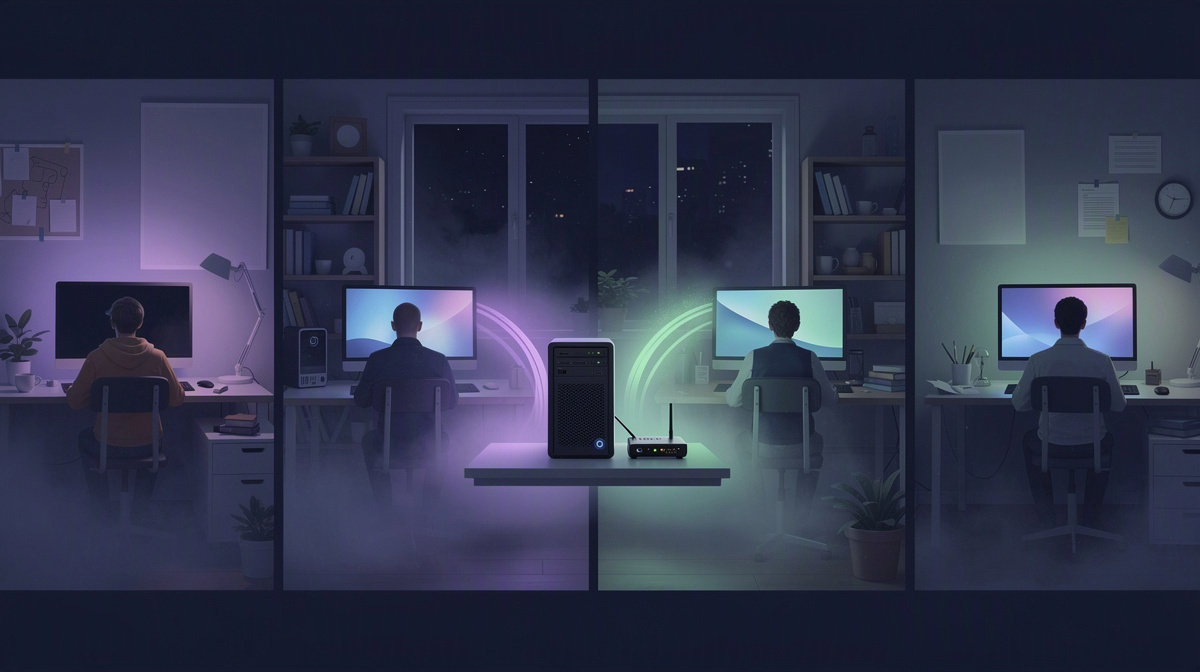
Getting your friends’ bed rock server online is meant to be simple. On EphemeralHost, one person in the group can create the Minecraft Bedrock server in the browser, choose the number of slots, and get it ready for everyone who plans to join. If you want a fuller walkthrough from start to finish, see this Bedrock hosting guide.
After that, you start the server when your group is actually about to play. That can be done in the panel or with /start in Discord. For a friend group, that makes the flow feel straightforward: set it up once, then launch it when people are ready for an evening of building, exploring, or just hanging out in the same world.
Once the server is running, the panel shows the address to share with your friends. In practice, the social side is usually very simple:
- one person creates the server
- that person picks the group size with the slot count
- they start it in the panel or with
/startin Discord - they send the shown address to the group
- everyone joins the same shared world
For Minecraft Bedrock, this runs on the Casual tier. The important part for most groups is not the underlying setup, but that you have a private place for your own sessions together.
That private space is the real appeal. Instead of joining a big public world, your group gets one world to return to over time. You can build in it together, explore as a group, and pick things back up in later sessions without changing where everyone meets.
So if your goal is a bed rock server for friends, the flow is: create it in the browser, choose your slots, start it when needed, and share the address the panel shows.
Why a Private Bedrock Server Can Be Better for a Friend Group
A private Bedrock server can feel like a better fit for a friend group because the world is centered on your group’s own play sessions. Instead of being one place among many on a public server, it becomes the shared world your friends return to for your builds, your plans, and your progress together. If you are weighing that against public play, this comparison of public and private play can help.
That matters for simple, familiar reasons. Private play is often easier to coordinate, especially when the same group wants to keep working on the same ideas over time. It also gives friends a more familiar place to build in together.
Common reasons groups prefer a private server include:
- easier coordination with the same people
- shared building or survival projects
- a world that feels like the group’s own space
- one address to share with everyone
That last point is useful on its own. Sharing one dedicated address with friends is usually much simpler than asking everyone to search through server lists and make sure they found the right place.
A private server also works well for longer-term play because the world stays saved between sessions. For friend groups, that means your builds and survival progress are still there when you come back later.
It also makes casual sessions easier. Your group can return to the same world without relying on one player to keep a personal game session open just so everyone else can join. Instead, the shared world is there for the group’s next session, whether that is a quick evening together or a longer stretch of building and exploring.
How Pausing Works When Nobody Is Playing
When your Minecraft Bedrock server has nobody online, it pauses by itself after 20 minutes by default. That means your group can finish a session, log off, and let the server stop running on its own instead of leaving it active in the background.
That pause timer is adjustable per server. If your group wants a longer gap between sessions, you can change it to 1 hour, 3 hours, or never. The key point for friends sharing one world is that when the server pauses, the world stays saved.
In practice, that makes private play easier to manage. Your server does not need to keep running between sessions just to preserve your builds, exploration, or survival progress. You come back later, start playing again, and continue from the same world.
For games with a world, backups are also created at every pause, and the last 3 backups are kept for free. That gives groups an extra layer of saved history around their play sessions, while keeping the wording realistic: backups are available, but this is not a promise that every backup can be restored in every situation.
If you want more frequent backups, Backup-Plus is available as an add-on. It backs up hourly and keeps 30 days for +€0.05/h, billed only while the server runs.
You can see the same general idea of friend-group hosting in guides for Counter-Strike 2, Squad, OpenTTD, ARK, Luanti, and 7 Days to Die.
What It Costs to Run a Minecraft Bedrock Server
For a friend group, the basic starting point is simple: Minecraft Bedrock is available from 0.25 €/h.
The billing model is also easy to understand. Usage is billed per minute, which fits well when your group only plays at certain times instead of leaving the server running all day. A short evening session, a casual weekend build, or a quick check-in on the world all follow the same idea: you pay for the time the server is actually running.
EphemeralHost uses prepaid credit without a subscription. That means you add credit in advance, use it as your group plays, and the credit never expires. If your Discord account is at least 30 days old, you can also get €2 starter credit.
A few practical points matter when friends are estimating costs:
- Minecraft Bedrock starts from 0.25 €/h
- billing is per minute
- prepaid credit does not require a subscription
- prepaid credit never expires
- add-ons are billed only while the server runs
That last point keeps the pricing model consistent. If your group uses add-ons, they follow the same general usage-based idea instead of becoming a separate standing charge while the server is paused.
For the public price list and the per-minute billing details, see the pricing page.
Questions People Ask About Minecraft Bedrock Server IP and Port
Is a Bedrock server address the same thing as the IP and port?
Almost. People often say “server address” to mean the full connection details for a Minecraft Bedrock server. That includes the IP and the port together. In simple terms, the IP identifies the server, and the port tells the game which connection point to use.
Does everyone in my group use the same Bedrock server address?
Yes. For a private world, the group joins with the same address details shown for that server. One person can create the server, start it, and send those details to the others.
That usually means:
- one person sets up the server
- the group gets one shared address
- friends join the same world
Can we use the server only when we want to play?
Yes. Minecraft Bedrock on EphemeralHost is for groups who want to start a server when they are ready to play together, then stop needing it to run in the background between sessions. It is available from 0.25 €/h.
What happens if everyone logs off?
If nobody is online, the server pauses by itself after 20 minutes by default. You can change that per server to 1 hour, 3 hours, or never. When it pauses, the world stays saved, so your group can come back to the same world later.
Is Minecraft Bedrock on the Performance tier?
No. Minecraft Bedrock runs on the Casual tier.
Common Questions About Bedrock Server IP and Port
A few quick points clear up most confusion around a bed rock server for friends.
- The address in your panel is the one your group uses to join.
- One person can set up the server for everyone else.
- You can start the server from the browser panel or with
/startin Discord. - Friends join the same private world instead of meeting on a public server.
This setup suits small groups who want a world they share over time. When the session ends and nobody is online, the server pauses after 20 minutes by default, and the world stays saved.