
Readers looking for a virtual private server for Counter-Strike 2 usually want to know what it is, why they might want one, what it costs, and how to get one running for friends. This guide is about a simple use case: your group wants its own Counter-Strike 2 server so you can play together without relying on public servers.
On EphemeralHost, Counter-Strike 2 runs on the Performance tier, which is a dedicated VM, with pricing from 0.99 €/h. We’ll explain what that means in practice, when a private server makes sense, how to start one in the browser or with Discord, and how per-minute pricing and automatic pausing work.
What a Counter-Strike 2 virtual private server means
For a group of friends, a Counter-Strike 2 virtual private server means a private game server that your group controls for its own matches. In simple terms, it is your own place to meet, queue up a session, and play together without depending on whatever public match happens to be available.
On EphemeralHost, Counter-Strike 2 uses the Performance tier, which is a dedicated VM. You do not need to think about low-level server details to understand the practical point: your group gets a private space for Counter-Strike 2 instead of moving between public games and hoping everyone can join the same place at the same time.
That is usually the main reason friends look for a private server. It gives the group a shared server for practice, casual games, and nights when you simply want to play with people you know. If you are comparing the idea with other private-server setups for friends, guides like hosting for Luanti friends, an Enshrouded server for friends, or ARK server rental for PC friends show the same basic appeal: your own server, shared directly with your group.
With EphemeralHost, there is no subscription requirement. You add prepaid credit, and that credit never expires. Discord accounts that are at least 30 days old can also get €2 starter credit. For Counter-Strike 2, pricing is from 0.99 €/h. If you want the current public per-minute format, see the pricing page.
For Counter-Strike 2 specifics, including its price and how to join, see Counter-Strike 2 on EphemeralHost.
Why friends choose a private server instead of public matches
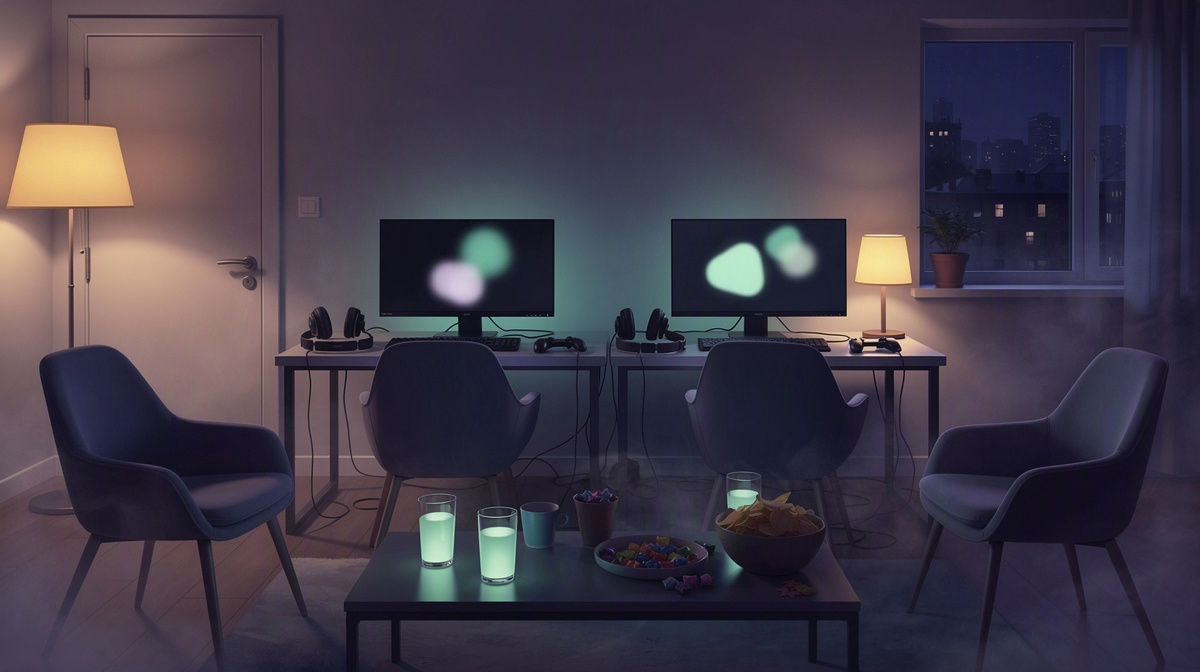
Most groups looking at a Counter-Strike 2 server are making a simple choice: keep relying on public spaces, or use a private one they can share directly with friends. The social reason is usually the biggest one. Friends want to play with the people they know, on a server they control, without depending on whoever else happens to be online in a public match.
That changes the feel of game night. Instead of spending time trying to regroup in different public places, the same people can come back to the same private setup for the next session. That makes it easier to build a routine around your own matches, whether the plan is a quick evening game or a longer practice night.
For most friend groups, a private server is useful because it supports familiar ways to play, such as:
- practice nights with the same players
- casual matches without public interruptions
- sessions that move at the group’s own pace
- getting everyone back together on the same shared server setup
This guide is about that friends-only use case. It is not about running a large public community, and it is not about creator-led access models. The main question here is much simpler: does your group want a private place to meet and play together?
If you have compared public and private options in other games, the pattern is similar. The same tradeoff shows up in guides about public lists versus private servers, where players are really deciding whether they want open public access or a server they manage for their own group.
For Counter-Strike 2, that private option often makes sense when your priority is not meeting random players, but making it easier for the same friends to return and play together again.
How to get your Counter-Strike 2 server running
Getting a Counter-Strike 2 server running for friends is a short setup path, not a technical project. The basic flow is simple: create the server in the browser, pick the slots, and then start it when your group is ready to play.
A straightforward way to think about it is:
- create your Counter-Strike 2 server in the browser
- choose the number of slots your group wants
- start the server
- share the address shown in the panel with your friends
When it is time to play, you have two ways to start the server. You can start it in the panel, or you can use /start in Discord. That means the group can bring the server online from the web interface or from the Discord flow you already use to organize game night.
After the server is running, the last step is simply inviting people in. The panel shows the server address, and that is the address you give to your friends so they can join your session. For most groups, that is the part that matters: get the server up, send the address, and start playing together.
If you are new to private hosting, it helps to treat this as a repeatable routine rather than a deployment process. You are not trying to build a public community space. You are just setting up a private Counter-Strike 2 server your group can start when needed, much like the friend-group use cases in private server guides for Valheim, ARK private server guides, Rust private server comparisons, or 7 Days to Die hosting guides.
For the Counter-Strike 2 details themselves, including its price and how to join, check the Counter-Strike 2 page. That way, you can focus on getting your group together instead of digging through technical setup steps.
How billing, pauses, and add-ons work for game night

A virtual private server for Counter-Strike 2 makes the most sense when billing matches the way friends actually play: one evening at a time. For this kind of server, the key point is that charges follow running time, not a subscription. You add prepaid credit, and that credit never expires.
For Counter-Strike 2, pricing starts from 0.99 €/h on the Performance tier. If your group only brings the server online for planned matches, the cost stays tied to those sessions instead of carrying on between them.
The pause behavior is just as important for game night. When nobody is online, the server does not need to keep running in the background. After 20 minutes with nobody online, it pauses by itself. That pause delay can be changed per server if your group wants a different rhythm:
- 1 hour
- 3 hours
- never
That gives you a simple way to match the server to how your friends play. A short timeout can suit groups that want the server to stop soon after the match ends. A longer timeout can fit evenings where people step away and come back.
Counter-Strike 2 also has a few optional extras for groups that want more resources or match recording. These add-ons are billed only while the server runs:
- +4 GB RAM for +€0.15/h
- 8 cores and 32 GB on Performance for +€0.49/h
- Azure DDoS IP Protection on the server's own IP for +€0.49/h
- every match recorded as downloadable CS2 demos for 14 days, without voice, for +€0.10/h
So for a private Counter-Strike 2 virtual private server, the pattern is straightforward: start it for the session, let your group play, and let billing stop when the server is no longer running.
Common questions about a Counter-Strike 2 virtual private server
Is a virtual private server for Counter-Strike 2 only for large groups?
No. For Counter-Strike 2, a virtual private server can be a simple option for a small group of friends who want their own place to play together. It is not just for big public communities.
A private server can fit groups that want to:
- set up a match for friends
- come back for regular game nights
- share one server address with the same people
Do I need a subscription to use a Counter-Strike 2 virtual private server?
No. EphemeralHost uses prepaid credit instead of a subscription. You add credit, and that credit never expires.
If your Discord account is at least 30 days old, you can also get €2 starter credit.
What kind of machine does Counter-Strike 2 run on?
Counter-Strike 2 runs on the Performance tier. That tier is a dedicated VM.
For friends choosing a virtual private server, that is the main product detail to know for this game.
Can I start the server from Discord, or only in the browser?
You can do either. Create the server in the browser, choose the slots, and then start it in the panel or with /start in Discord.
That gives your group a simple way to bring the server online when people are ready.
What happens when nobody is online?
After 20 minutes with nobody online, the server pauses by itself.
You can change that timeout per server to:
- 1 hour
- 3 hours
- never
That lets your group choose whether the server should stop soon after a session or stay available longer between matches.
Are there optional extras for Counter-Strike 2?
Yes. Counter-Strike 2 can use add-ons that are billed only while the server runs.
Options include:
- +4 GB RAM for +€0.15/h
- 8 cores and 32 GB on Performance for +€0.49/h
- Azure DDoS IP Protection on the server's own IP for +€0.49/h
- every match recorded as downloadable CS2 demos for 14 days, without voice, for +€0.10/h
A simple way to run a private CS2 server for friends
If you searched for a virtual private server for Counter-Strike 2, the practical answer is straightforward: it is a private server your group can start when you want to play together.
For this kind of friends-only setup, EphemeralHost keeps the flow simple:
- Counter-Strike 2 runs on the Performance tier
- that tier is a dedicated VM
- pricing starts from 0.99 €/h
- you can start the server in the browser or with
/startin Discord
From there, your group uses the address shown in the panel to join the same server and play your own matches.
When the session is over and nobody is online, the server can pause by itself. The world stays saved, so the server fits a play-when-you-want routine instead of needing to stay running between game nights.