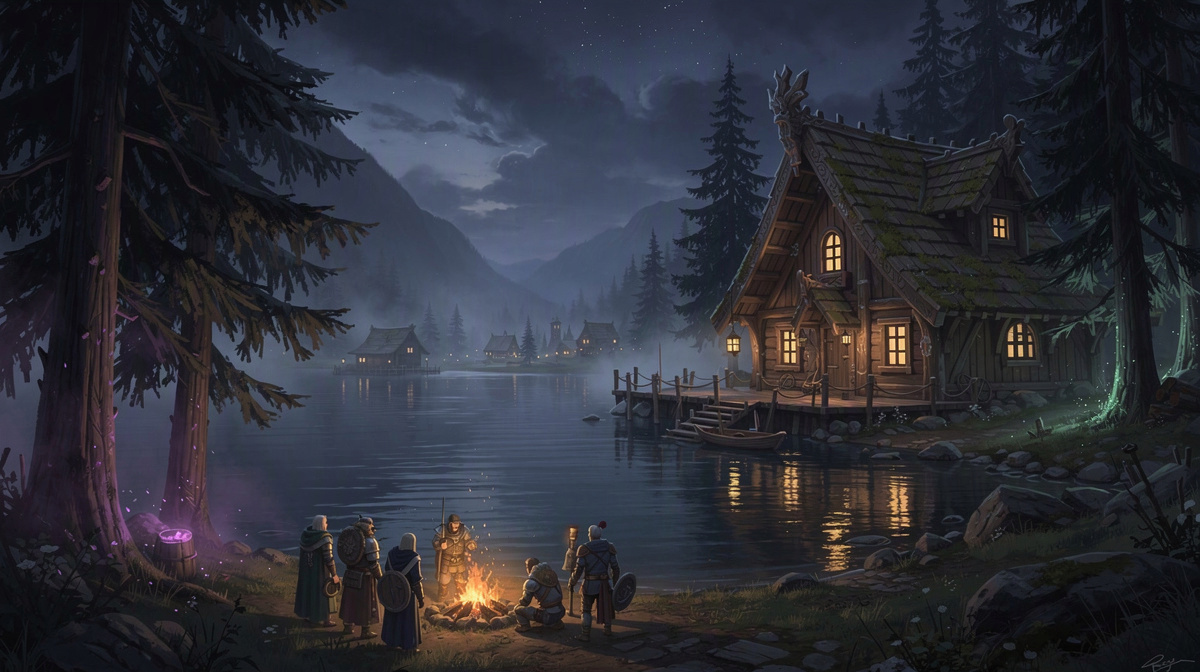
People searching Google for valheim public servers are often deciding whether to join an open world or make a private one for friends. Valheim public servers suit players who want a wider mix of people, but many groups want a server they control, use only for their own sessions, and return to as the same shared world.
This guide is for friends who want that private option. It explains the public-versus-private choice, then shows the simple setup: create a Valheim server in the browser, choose the slots, start it in the panel or with /start in Discord, and share the address shown there. Valheim starts from 0.25 €/h on the public price list.
What people mean by Valheim public servers
When people say Valheim public servers, they usually mean servers that are open to a wider pool of players instead of being kept just for one friend group. In plain terms, it is a shared world where unfamiliar players may come and go, rather than a space your group treats as its own.
That setup appeals to a lot of players for simple reasons:
- they are easy to look for
- they can feel active and social
- they let you join an existing world without first organizing everyone
For solo players, that can be enough. You can jump in, see what kind of community is there, and start playing without being the person who sets anything up.
For a group of friends, though, the tradeoff is often clear pretty quickly. Other players shape the mood. The world may move on while your group is offline. The people around you are not just the friends you planned to play with. That means your group has less control over who is there and how the shared world changes over time.
That is why the real question is often not access, but control. If your group mainly wants to build, explore, and progress together at its own pace, public access is not usually the main goal. What matters more is having a world that reflects your sessions, not everyone else’s.
That is also why many searches for Valheim public servers end up becoming a public-versus-private comparison, much like this same choice in another game, instead of ending with a server list.
Why friend groups often prefer a private server
A private server gives your group its own shared world. That matters because progress stays with the people you invite, instead of being shaped by a changing public player base. Your builds, your exploration, and your group’s decisions are what define the world from one session to the next.
There is a social benefit too. Everyone knows who is expected to be there, which makes it easier to plan sessions and keep the experience cooperative. If your main goal is simply to play together, a private setup often feels more natural than joining a space that works as a public hangout. Similar friend-group choices come up in games like Rust PvE versus private play, Project Zomboid co-op versus dedicated play, and CS deathmatch for friends.
Access is simpler as well. The address is shared with friends, so your group has more say over who joins. That helps the world match your own pace. Friends can move through exploration and building together instead of trying to fit into somebody else’s timeline. It is also easier for returning players, because they come back to the same group world rather than a public space that may have changed a lot while they were away.
The tradeoff is real: someone still has to create the server and decide how many slots the group needs. But that does not have to mean a subscription or paying for idle time when nobody is playing. Valheim on EphemeralHost uses prepaid credit that never expires, with no subscription, and billing per minute while the server runs.
If your group wants the private-server route, the setup is straightforward, and hosting a Valheim server for friends follows that same idea.
Cost and uptime: the practical difference
For most friend groups, the real question is not just public versus private. It is whether paying for a private server makes sense for the way they actually play. Many groups play in planned sessions, take breaks between them, and do not need a server running all day.
That is where the pricing model matters. Valheim starts from 0.25 €/h. On EphemeralHost, it is billed per minute instead of being treated like something that has to stay online around the clock. For friends who meet up a few evenings a week, that is a more practical fit than assuming constant uptime.
The biggest difference is what happens after a session ends. When nobody is online, the server pauses by itself after 20 minutes by default. That changes the math in a simple way: your group is not paying in the same way as if a private server had to keep running continuously just to keep the world available.
The pause timer is flexible too. Per server, it can be changed to:
- 1 hour
- 3 hours
- never
That gives groups room to decide how they want to handle dinner breaks, short interruptions, or longer gaps between sessions, much like the broader uptime tradeoffs discussed in other private-server setups, friend-group hosting choices, and session-based server comparisons.
When the server pauses, the world stays saved. Your group comes back to the same world instead of losing progress because the server stopped running.
In plain terms, that makes a private server feel less like an all-day cost when nobody is playing. Even if your group later adds extras, add-ons are billed only while the server runs.
How to set up a Valheim server for friends
For a small group, setting up a Valheim server does not need to turn into a big project. In many cases, the goal is simple: give everyone one shared world to join when it is time to play.
A straightforward setup looks like this:
- Create the Valheim server in the browser.
- Pick the number of slots your group needs.
- Start the server in the panel or with
/startin Discord. - Share the address shown in the panel with your friends.
That is the core flow. You are not trying to build a large public community or manage a long list of admin tasks. You are just creating a private place where your group can meet, explore, build, and continue the same world together.
Choosing slots is mainly about matching the server to the size of your group. If your plans are just a few regular friends, keep it sized for that. If your group is a bit bigger, pick enough room for the people you expect to join.
Starting the server is also simple. Some groups will do that from the panel. Others will prefer using /start in Discord because it fits how they already organize game nights. Either way, the point is the same: start the world when your group is ready to play.
After that, send your friends the address shown in the panel. For many groups, that is enough. Each game page lists the steps to join, so this guide does not need to repeat them beyond sharing that address.
Which choice fits your group best?
Think about what your sessions look like when the answer is not obvious.
A public server usually makes more sense if your group is loose, people come and go, and nobody minds sharing the world with players outside the usual circle. It can also fit if the fun is mostly in finding activity already happening.
A private server is the better fit when your group wants the world to revolve around the same friends. That matters when you want to recognize everyone who joins, pick a server size that matches your group, and keep the world there for your next session instead of treating each login like a fresh social space.
It also helps to ask who should be responsible for starting play. With EphemeralHost, one person can create the Valheim server in the browser, choose the slots, start it in the panel or with /start in Discord, and share the address shown in the panel.
From there, the server runs for the session and pauses by itself when nobody is online, while the world stays saved. For a friend group, that keeps the private option focused on playing together, not keeping a server up between sessions.
Common questions about Valheim public servers
Can friends turn a public-style search into a private Valheim server?
Yes. Many people search for valheim public servers because they want somewhere to play, then realize a private server fits their group better. If you want a world just for friends, the main advantage is that your sessions stay focused on the same people instead of a wider mix of players.
Who is a private Valheim server best for?
It usually suits groups that want to:
- play with people they already know
- keep one shared world for the group
- continue together from one session to the next
- avoid outside players joining the same world
If that is what your group wants, private access is often the simpler choice.
Does a private server mean one person has to keep hosting all the time?
No. One person can set up the server, but it does not need to stay active between sessions. On EphemeralHost, Valheim is billed per minute while the server runs. After 20 minutes with nobody online, it pauses by itself by default, and the world stays saved. The pause setting can be adjusted per server to 1 hour, 3 hours or never.
What do friends need before they can join?
Just the server address shown in the panel. Once the server is started, you share that address with the group. From there, everyone joins the same world for that session.
Do we need a subscription to keep a Valheim world for our group?
No. Valheim on EphemeralHost uses prepaid credit with no subscription, and the credit never expires. Pricing starts from 0.25 €/h.
What is the simplest way to think about the choice?
Choose public if you want a broader community. Choose private if you want a server that mainly exists for your friends and your shared world.
Valheim public servers or a private world for friends?
People searching for Valheim public servers often end up wanting the opposite: a world that belongs to their friend group.
A public server is about meeting a broader mix of players. A private server is about keeping the experience centered on the people you already plan to play with.
That usually comes down to three things:
- who gets access
- how shared progress feels
- whether the world exists for your group or for whoever joins
If your goal is simply to play Valheim together, a private world is often the clearer fit.