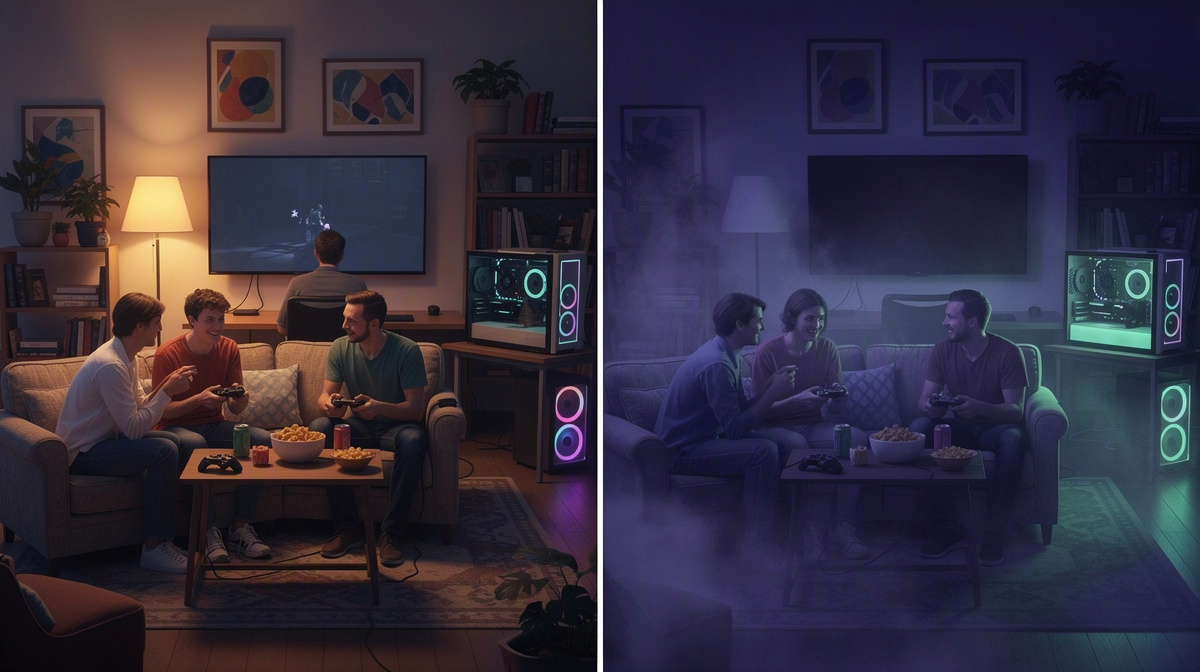
People searching for project zomboid co op usually want the quick answer first: co-op is fine if one friend hosts each session, while a dedicated server suits a group that wants a shared world to return to more easily. This guide is for friends deciding between those two ways to play together.
If you want the short version of Project Zomboid on EphemeralHost, it starts from 0.25 €/h and the game page shows how friends join. For a broader way to think about public servers versus a private world for your group, this Minecraft comparison covers the same basic choice from another angle.
What Project Zomboid Co-Op Means for a Friend Group
Project Zomboid co op usually means one friend hosts the session and everyone else joins that person’s world. For a group of friends, the appeal is simple: it feels like a normal game night setup, with one person opening the session and the rest piling in.
That also shapes how the group plays. The world is tied to the host’s session, so the group usually starts together, stops together, and depends on that same friend being ready next time. If your group already treats Project Zomboid as a planned session rather than a shared place to drop into, that can be completely fine.
Co-op often suits groups like these:
- one friend does not mind being the regular host
- everyone usually plays at the same time
- sessions are occasional rather than ongoing
- the group wants the quickest route into a private game
The main limit is not complexity, but flexibility. If the host is busy, the world is effectively on hold for everyone else. That is why some groups stay happy with co-op, while others eventually want a separate server for the same world.
If you are comparing that jump for other friend-group games, the same basic question shows up in guides on hosting a TF2 server for friends and starting a CS2 server for friends.
So for Project Zomboid co op, the real question is whether your world is just for shared sessions or something the group wants to treat as its own ongoing run.
When a Dedicated Server Fits Better
A dedicated server, in plain terms, is a separate private server for your group’s world instead of one friend running the session from their own co-op game. The key difference is simple: your world is no longer tied to one person being the host every time everyone wants to play.
That matters most when schedules stop lining up neatly. In a friend group, one person may be free on weeknights, another only on weekends, and someone else may join late. With a dedicated server, the group is less dependent on one player’s machine or availability. That can make the world feel more shared and less like it belongs to whoever happens to host.
For a survival game, the practical upside is easy to understand:
- the group has one address to join
- the world belongs to the group, not just one host’s active session
- getting back into the same shared world is more straightforward
This tends to appeal to groups who play regularly, want a more permanent home for their run, or do not want to organize every session around one person being ready first. If your friends are building an ongoing Project Zomboid world together, that kind of separation can be useful.
That does not mean every group needs a dedicated server. If your sessions are occasional and one friend is happy to host, co-op can still be enough. But as the world starts to matter more, and as your schedules become less aligned, a separate server becomes easier to justify. You can compare that with the broader idea of running a private world in this friends-first guide.
For a private Project Zomboid world, the choice usually comes down to whether you want a quick host-centered session or a steadier shared place for ongoing co-op survival. If it is the second, a dedicated server often fits better.
How Friends Can Start a Project Zomboid Server on EphemeralHost
For a private group, the basic flow is simple. First, create the Project Zomboid server in the browser. Then choose how many slots your group needs. After that, start the server either in the panel or with /start in Discord.
Once it is running, the next step is just to share the address shown in the panel with your friends so they can join the same world. If you want a similar friends-first example for another game, see this simple hosting guide.
The part many groups care about most is that this does not require a subscription. EphemeralHost uses prepaid credit instead, which is easier to fit around casual sessions, weekend runs, or a world your group comes back to now and then.
Project Zomboid runs on the Casual tier, and its price is from 0.25 €/h. Billing is per minute, so your group pays for the time the server actually runs instead of committing to a full month up front. You can check the full per-minute price list if you want to compare game prices in one place.
That payment model also works well for friend groups who do not play on a fixed schedule. Prepaid credit never expires, so topping up does not mean you need to use it by a deadline. And if your Discord account is at least 30 days old, you can receive €2 starter credit.
In practical terms, this means the group can set up a Project Zomboid server, start it when they want to play, and invite friends with one address, without turning the decision into a monthly commitment.
Why Pay-While-You-Play Changes the Dedicated Server Decision
A common hesitation is easy to understand: many friend groups assume a dedicated server only makes sense if they play all the time. If you picture a server as something you pay for every hour of the month, that conclusion seems reasonable.
That is also why runtime-based billing changes the comparison. Instead of treating a dedicated server like a fixed monthly commitment, it turns it into something your group can use when the world is active and avoid paying for long stretches when nobody is playing.
For Project Zomboid, that matters because the server pauses by itself after 20 minutes with nobody online by default. Per server, that idle window can be changed to 1 hour, 3 hours, or never. When it pauses, the world stays saved.
In practice, that shifts the decision:
- your group can come back to the same shared world
- the server does not need to sit running through every quiet hour
- paying for a dedicated setup can feel easier to justify for uneven schedules
That is useful for friends who play mostly on weekends, for casual groups who dip in and out, and for players who want one ongoing world without treating it like a full-time expense. The server can still feel like a regular meeting point for the group, but the cost tracks runtime rather than every idle gap between sessions.
If you want the broader idea explained in another context, see this pay-while-you-play breakdown.
How to Choose Between Co-Op and a Dedicated Server
Think about what usually ends a session for your group.
If the answer is "we are done for tonight," co-op often works well. If the answer is "the host has to stop," that is where a dedicated server starts to look more useful.
A good rule of thumb is to choose based on ownership of the world:
- pick co-op if the world is basically one friend’s session that others join
- pick a dedicated server if the world should feel like a shared home for the whole group
It also helps to think about how your group makes plans. Co-op fits better when everyone is happy to build each session around one person. A dedicated server fits better when friends want fewer "let me host first" steps before playing.
Another practical test is momentum. In co-op, the group can lose momentum when the usual host is not around. With a dedicated server, joining the same group world is more straightforward, which can make it easier to keep a long run going.
So the choice is less about features and more about habits: host-centered sessions, or one shared world for your friends.
Common Questions About Project Zomboid Co-Op
Can our group keep using the same world without one friend hosting every time?
Yes. That is the main reason some groups move from Project Zomboid co-op to a dedicated server. In co-op, one friend hosts the session and everyone joins that person’s game. With a dedicated server, your group uses one shared world with one address to join, so the world is not centered on one person’s session.
Is this only for groups that play on a fixed schedule?
No. A private server can also fit a group with uneven play times. Friends do not all need the same routine for a shared server to make sense. It is often more about whether you want a group world that is there for your run, instead of a setup that starts with one person opening the game for everyone else.
Does a Project Zomboid server on EphemeralHost need a subscription?
No. EphemeralHost uses prepaid credit, and that credit never expires. That suits groups who want to add credit, play together, and come back later without a monthly plan in the background.
What is Project Zomboid hosted on here?
Project Zomboid runs on the Casual tier. It is a container, not the Performance tier’s VM. Pricing starts from 0.25 €/h.
What if we stop playing for a while?
Your group does not need to keep the server active between sessions. When nobody is online, it pauses by itself after 20 minutes by default. Per server, that can be changed to 1 hour, 3 hours, or never. When it pauses, the world stays saved.
What is the simplest way for friends to get in?
Use one shared address. The group creates the server, chooses the slots, starts it in the browser panel or with /start in Discord, and sends the address shown in the panel to everyone else.
Project Zomboid Co-Op vs Dedicated Server: Which Should You Pick?
For project zomboid co op, pick the option that matches how your group actually plays. Choose co-op if one friend is happy to host each session. Choose a dedicated server if your friends want the same private world ready to use for group nights without depending on one person to open it first.
On EphemeralHost, Project Zomboid starts from 0.25 €/h.
A dedicated server can suit groups that want:
- one shared world for the whole group
- prepaid credit with no subscription
- a server started in the browser or with
/startin Discord - automatic pause when nobody is online, with the world staying saved