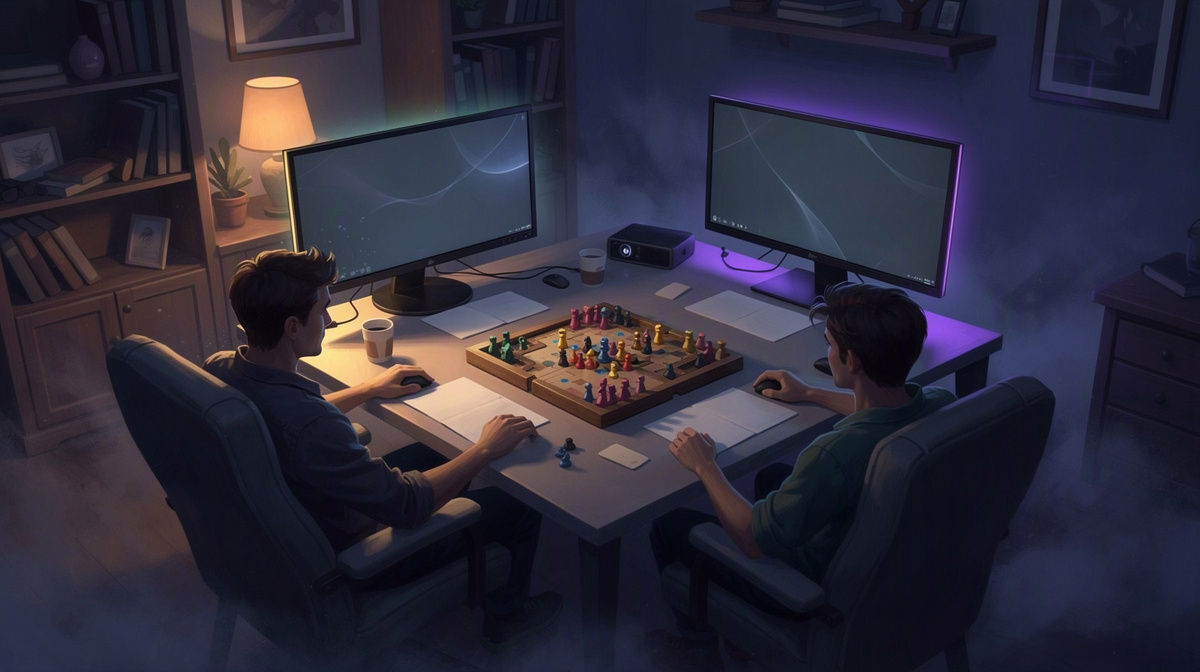
What does friendly fire mean in games? Friendly fire means your attacks can damage or kill your own teammates, not just the other side. People usually look this up after seeing the term in a shooter and want a clear answer fast.
For a group of friends, that matters because it changes how a match feels. If teammates can hurt each other, positioning, timing, and communication matter more, especially in private rounds.
If you want to test that in your own match, you can read about Counter-Strike 2 on EphemeralHost, check the price list billed per minute, or see how friends use private CS2.
This guide explains the term, why games use it, and what it means for friends playing together.
Friendly fire meaning, in simple terms
Friendly fire means damage that one teammate causes to another teammate in a team-based game. That damage can come from bullets, explosives, fire, or other harmful effects. The key idea is simple: the hit comes from someone on your side, not from the other team.
Some players also call this team damage. If the damage goes far enough to kill a teammate, people often call that a team kill. So the broader term is friendly fire, while team kill usually refers to the result when a teammate dies.
Games do not all handle friendly fire the same way. Depending on the rules, it might:
- do full damage
- do reduced damage
- be turned off completely
Those rules can come from the game itself or from the server being used for the match. That is why players sometimes ask about it before a round starts, just like they might ask about server basics for friends or other match rules.
It also counts as friendly fire even when it is accidental. If you throw a grenade too close to your own team, spray into a doorway while a teammate crosses, or fire just as someone steps into your shot line, that is still friendly fire. Intent does not change the definition.
The term only matters when teams exist. If an enemy hurts you, that is normal enemy damage, not friendly fire. Friendly fire is specifically about harm from your own side.
You may see the phrase in many kinds of multiplayer guides, from technical setup topics to articles about server saves, backups for game servers, Factorio friends groups, OpenTTD sessions, or ARK with friends. But the meaning stays the same: teammates can hurt teammates.
Why some games have friendly fire and others do not
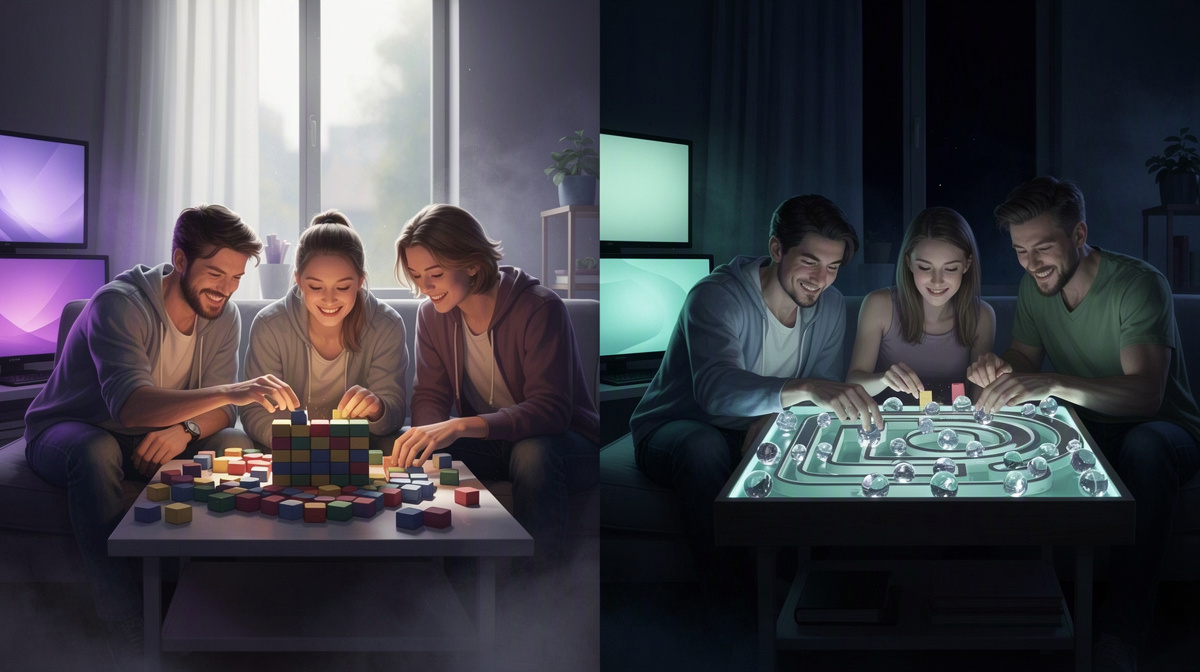
One big reason some games include friendly fire is that it makes careless play matter more. If your shots, grenades, or other attacks can hurt your own team, you have to think harder about aim, spacing, and timing. You cannot just fire through every crowded angle and hope for the best.
That rule can also add tension. In games that want teamwork to feel more serious, friendly fire makes each push riskier and each mistake more costly. It can make matches feel a bit more believable too, because your team is not magically immune to everything you do.
At the same time, many games or modes leave friendly fire off on purpose. Public matches are often easier for beginners when accidental mistakes do not punish their own side. Newer players are still learning movement, sight lines, and when to use explosives, so turning friendly fire off can make the match less frustrating.
There is another reason some communities avoid it: intentional team damage. Friendly fire can be used for griefing or trolling, and that can drag down a match fast. What is meant to reward discipline can also give disruptive players another way to annoy everyone else.
Because of that, different rules suit different goals. Game makers and server hosts may choose settings based on the kind of session they want, such as:
- casual rounds with less punishment for mistakes
- more disciplined team play
- private matches where the group agrees on the tone first
For groups of friends, the effect is often social as much as mechanical. With voice chat and people you know, friendly fire can create funny moments that everyone laughs about afterward. It can also reveal bad habits quickly, like swinging into a teammate's shot line or stacking too close behind the same corner.
Counter-Strike 2 is a good example in broad terms. Positioning and utility matter a lot, so whether teammates can damage each other changes how a round feels and how carefully a group has to play.
How friendly fire changes the way friends play together
Friendly fire changes more than just who can damage whom. It changes how a group talks, moves, and plans each round. When teammates can hurt each other, communication becomes more valuable. Simple callouts like where you are pushing, when you are swinging, or when you are crossing an angle help everyone avoid unnecessary damage.
Movement and spacing matter more too. Friends need clearer lanes so multiple players are not rushing through the same choke point in a messy pileup. A team that spreads out a bit better is less likely to block shots, step into danger, or turn one bad moment into several.
Explosives and other area damage also become shared risks. A throw that would be harmless to teammates in one ruleset can become a problem in another. Because of that, groups tend to learn better timing between utility and movement. People push with more care, and they pay more attention to where their teammates are before committing.
That often slows down reckless play. Instead of everyone charging at once, friendly fire pushes teams toward more deliberate teamwork, especially in objective-based rounds where one mistake can hurt the whole plan. The result is often a match that feels more tense and more organized.
For some groups, that is the appeal. It is not mainly about realism. It is about making private matches feel higher-stakes, funnier, and more memorable when good coordination pays off and bad coordination has consequences.
Still, not every friend group wants that every time. Some sessions are better when mistakes are less punishing and everyone can relax a bit more.
That is why private games are useful. Friends can agree on the style they want before starting instead of adapting to random public players. In practice, understanding friendly fire helps your group decide what kind of CS2 session you actually want to run.
Trying it on your own Counter-Strike 2 server
If your group wants to test friendly fire in private matches, the setup is straightforward on EphemeralHost. Create a Counter-Strike 2 server in the browser, pick the slots, start it in the panel or with /start in Discord, and then send your friends the address shown in the panel.
For Counter-Strike 2, the hosting detail is simple too: Counter-Strike 2 runs on the Performance tier, a dedicated VM; its price: from 0.99 €/h.
Charging is billed per minute, which fits friend groups that only want to play for an evening instead of keeping a server up all day. If you want the latest details before starting, you can check the public price list.
There is also a practical benefit for casual groups. When nobody is online, the server pauses by itself and the world stays saved. That means your session does not need to keep running just because everyone logged off for the night.
The payment model also suits occasional matches. You use prepaid credit, there is no subscription, and the credit does not expire. If your group mostly plays on weekends or only every now and then, that keeps things simple.
For people starting from Discord, there is a small entry point too: Discord accounts that are at least 30 days old get €2 starter credit. That can make it easier to try a first session with friends and see whether your group likes playing private CS2 rounds this way.
If you want the game-specific details, the Counter-Strike 2 page on EphemeralHost covers its price and how friends join.
Questions people ask about friendly fire
Does friendly fire mean any teammate damage, or only a team kill?
It means any damage your team causes to its own side, not only a kill. A team kill is just one possible result.
A simple way to read the terms is:
- friendly fire: a teammate hurts a teammate
- team damage: another common name for that damage
- team kill: the damage goes far enough to kill
That is why even a small hit still counts.
Why is friendly fire such a big deal in Counter-Strike 2?
Because rounds are tight and small mistakes carry over fast. If one player hurts a teammate, the team may lose health, lose confidence on a push, or have to change the plan mid-round.
In a friends-only match, that can lead to two very different moods:
- more focus and cleaner teamwork
- more laughs when mistakes happen
Which one you get usually depends on how serious your group wants the night to be.
Does friendly fire make private matches better for friends?
Sometimes. It is a good fit for groups that enjoy callouts, spacing, and playing more carefully. It is a worse fit when everyone wants a loose session where mistakes do not matter much.
The useful part is not that one style is right. It is that your group can agree on the tone before the match starts.
How can friends run private Counter-Strike 2 matches without leaving a server up all day?
On EphemeralHost, your group creates the server in the browser, picks the slots, starts it in the panel or with /start in Discord, and shares the address shown in the panel.
Counter-Strike 2 runs on the Performance tier, a dedicated VM; its price: from 0.99 €/h.
When nobody is online, it pauses by itself and the world stays saved.
Friendly fire is simple to define, but it changes the whole match
The basic answer to what friendly fire means is short: your team can hurt its own team. The useful part is deciding what that does to your group.
In private CS2, it often changes the mood more than the rules:
- rounds feel less casual
- people notice bad habits faster
- simple callouts become more useful
- accidental damage can become part of the joke
That makes friendly fire less about the term itself and more about the kind of night your friends want. One group may like the extra discipline. Another may decide it is more fun without that pressure.
If you want to try a few matches and compare, your group can create a Counter-Strike 2 server in the browser, pick the slots, start it in the panel or with /start in Discord, and share the address shown in the panel.