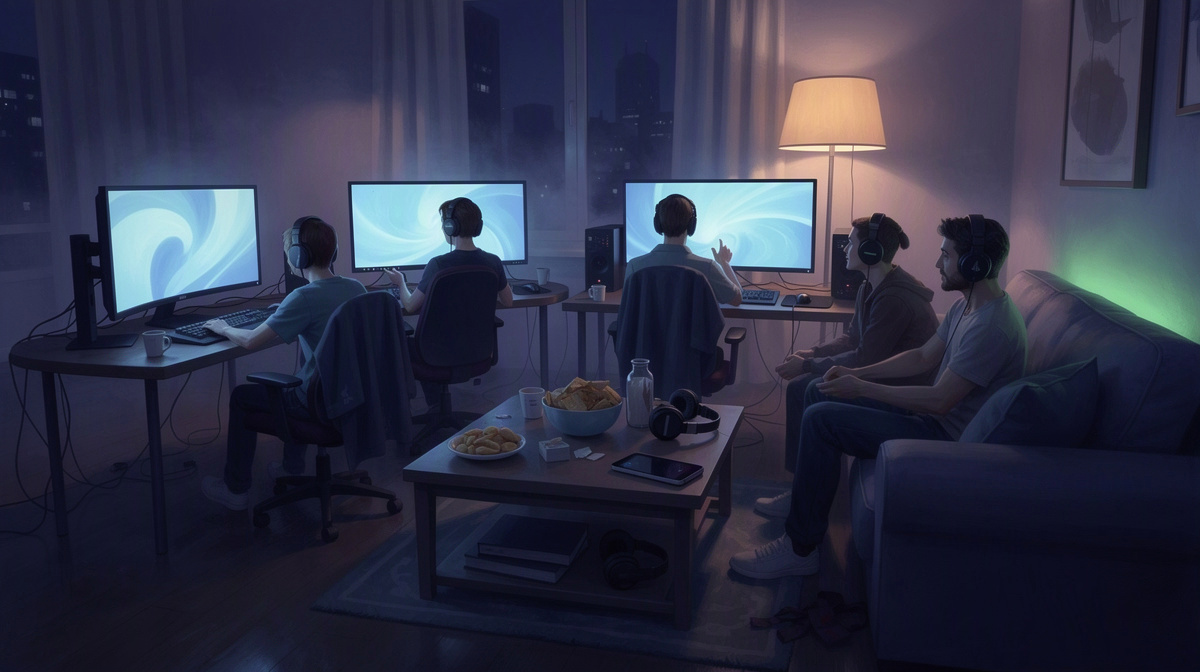
Private CS2 usually means a Counter-Strike 2 server that a friend group uses for its own matches. People who search for “private CS2” usually want a clear overview first: what it means, how friends use it, what it costs, and where to go next. This page covers that overview for groups who want their own server.
You can check the per-minute price list, see CS2 on EphemeralHost, or jump to a practical guide:
What 'Private CS2' Usually Means
When people say “private CS2,” they usually mean a Counter-Strike 2 server that a group of friends uses for its own games. That can be a place for regular matches, quick practice, or relaxed sessions where everyone already knows each other. The point is less about technical setup and more about having a shared space for the group.
In most cases, “private” means the group controls who gets in. One person shares the server address only with the friends they want to invite, so the session stays with the people it was meant for. For many players, that is the main difference from joining public matches with random players.
A private CS2 server can be useful for things like:
- warmups before other matches
- scrims among friends
- casual community games
- learning maps together
- playing without random public players joining
That setup gives the group a space that feels separate from public matchmaking. Friends can run rematches, try ideas, joke around, or simply play at their own pace. The appeal is often social as much as practical: it is a way to play Counter-Strike 2 on the group’s own terms.
If you mainly play other games with friends too, you may have seen the same idea in guides for Squad, OpenTTD, ARK, Luanti, Enshrouded, or Satisfactory.
If you want the practical step-by-step part, keep reading and move on to the hands-on walkthrough later in this series.
Why Friends Choose a Private Server
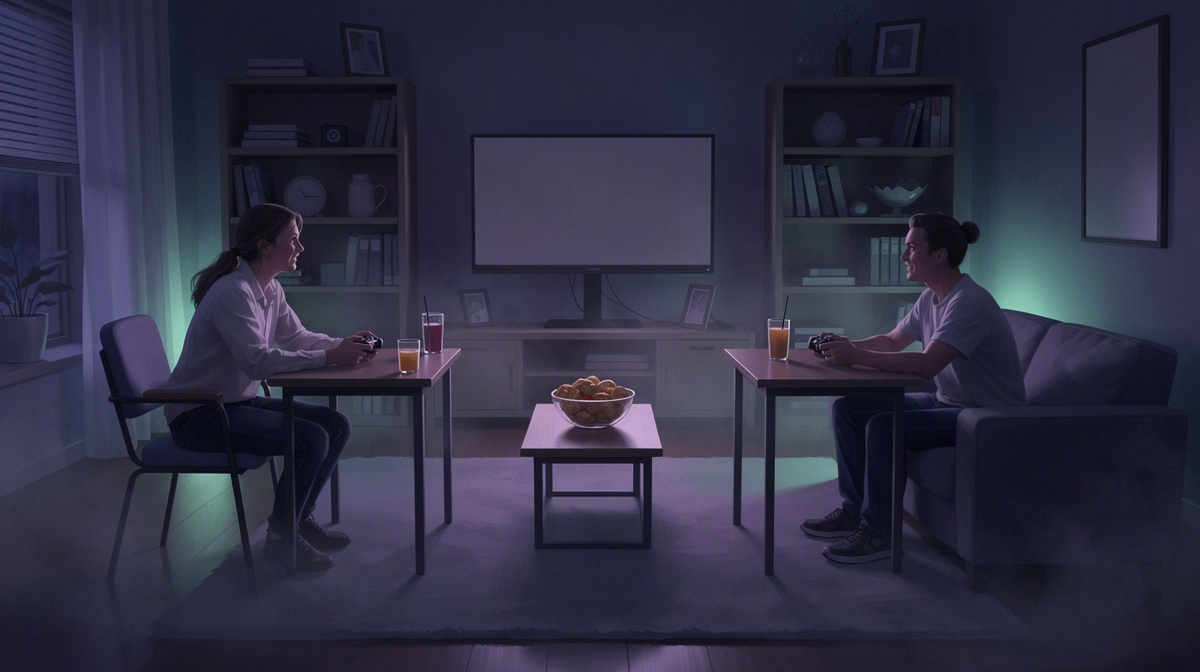
A private CS2 server gives a friend group a space that feels like its own. The point is not just privacy for its own sake. It is being able to gather the same people again for another match without turning every session into a public lobby with whoever happens to join.
That changes the mood of play. With a server meant for the group, friends can keep the evening focused on how they want to play:
- close games that turn into immediate rematches
- laid-back rounds where people talk and experiment
- practice time with familiar teammates
- regular game nights with the same circle
For many groups, that continuity matters more than any technical detail. Everyone knows who the server is for, who is expected, and what kind of session the group wants that night. That can make planning easier, especially for friends who play together often but not on a fixed schedule.
It also suits the stop-and-start way many groups actually play. A server can be started when the group is ready, used for the session, and then left alone afterward instead of being treated like something that must stay active between matches.
On EphemeralHost, Counter-Strike 2 runs on the Performance tier, a dedicated VM. When nobody is online, the server pauses by itself after 20 minutes. The pause timer can be changed per server to 1 hour, 3 hours, or never.
For friends, that means a private CS2 server can feel like a shared meeting place that is there for match night, then steps out of the way when the group is done.
How a Group Gets a Private CS2 Server
If you searched for private CS2 because you want a server just for your friend group, the setup is fairly direct. One person takes care of the server, then sends the join details to everyone else when it is ready.
For a typical group, the flow is:
- create the Counter-Strike 2 server in the browser
- pick the number of slots
- start it in the panel or with
/startin Discord - send friends the address shown in the panel
That approach fits how many private CS2 sessions come together in real life. Usually one friend is already the one asking who is in, deciding when the match starts, and making sure everyone has the server address. The rest of the group can stay focused on showing up and playing.
Choosing slots early helps match the server to the size of the session. A smaller group can keep it to the number it needs, while a larger game night can be planned around more friends joining. It keeps the setup centered on the group for that session instead of treating every match night the same way.
Starting the server in the panel or from Discord also gives the organizer two simple ways to bring it online. Some groups prefer to handle it in the browser while they are already checking the server details. Others are already talking in Discord before the match, so using /start there can fit naturally into getting the evening going.
Once the server is running, the key job is simply sharing the address from the panel with the people who are joining. That is what makes it private in the everyday sense: the group decides who gets the server details.
After the match, the server does not need to keep running just because nobody has left the chat yet. When nobody is online, it pauses by itself after 20 minutes. The pause timer can be changed per server to 1 hour, 3 hours, or never. When the group wants to play again later, the server can be started again.
What It Costs to Run Private CS2
For a group of friends, the main cost question is usually simple: what does a private CS2 server cost when you only want to play together now and then? On EphemeralHost, Counter-Strike 2 starts from 0.99 €/h.
Counter-Strike 2 runs on the Performance tier, which uses a dedicated VM. That gives this game a clear price starting point for friend groups that want their own private server rather than a public match.
Billing is per minute. That matters if your group mainly plays on certain evenings instead of keeping a server online all day. You pay for the time the server is actually running, which fits the way many private friend sessions happen in practice.
The payment model is also simple for casual groups:
- prepaid credit
- no subscription
- credit does not expire
That setup works well for friends who top up only when they expect to play. There is also €2 starter credit for Discord accounts at least 30 days old.
If you choose add-ons for Counter-Strike 2, they are billed only while the server runs. That keeps the cost tied to active play time rather than charging for hours when the server is not in use.
If you want to compare the public per-minute price list and see how billing works across games, check the pricing page. For most readers here, though, the practical takeaway is straightforward: private CS2 starts from 0.99 €/h, billing is per minute, and the prepaid credit model suits groups that play together occasionally rather than nonstop.
Questions people ask about private CS2
Is private CS2 mainly for playing with friends?
Usually, yes. When people search for private CS2, they are often looking for a Counter-Strike 2 server that stays with their own group instead of public matchmaking.
That suits players who want things like:
- invite-only matches
- practice with familiar teammates
- casual rounds with the same people
- a server address shared inside the group
Does everyone need to manage the server?
No. One person can handle the setup for the whole group.
That person creates the Counter-Strike 2 server in the browser, picks the slots, starts it in the panel or with /start in Discord, and then shares the address shown in the panel. After that, the other players just join the server for the match.
What happens to a private CS2 server when nobody is online?
If nobody is online, the server pauses by itself after 20 minutes. That pause can be changed per server to 1 hour, 3 hours, or never.
For private CS2, that means the server does not need to keep running between sessions unless the group wants it to.
Is this a good fit for groups that do not play every day?
It can be a practical option for that kind of group. Friends can start the server when they are ready to play, use it for the evening, and leave it alone afterward.
Because billing is per minute, the running time lines up with when the server is actually on.
What is the starting price for private CS2?
Counter-Strike 2 starts from 0.99 €/h.
It runs on the Performance tier, a dedicated VM. Payment uses prepaid credit, there is no subscription, and the credit does not expire. There is also €2 starter credit for Discord accounts at least 30 days old.
For many readers searching for private CS2, that is the key starting point: a server for your group, started when you want to play, from 0.99 €/h.
Private CS2 Makes Sense for Groups That Play Together
In the end, “private CS2” is mostly about giving a friend group its own place to play Counter-Strike 2 together. Instead of relying on public matches, the group has a server meant for its own sessions, plans, and repeat game nights.
The practical flow is simple:
- one person creates the server
- picks the slots
- starts it
- shares the address with friends
- and the server can pause itself when nobody is online
That keeps the setup focused on playing together rather than keeping a server running between sessions.
For cost, the basic reference point is straightforward: pricing starts from 0.99 €/h, billed per minute.
If you want the full step-by-step walkthrough after this overview, the Counter-Strike 2 virtual private server guide is the next read.