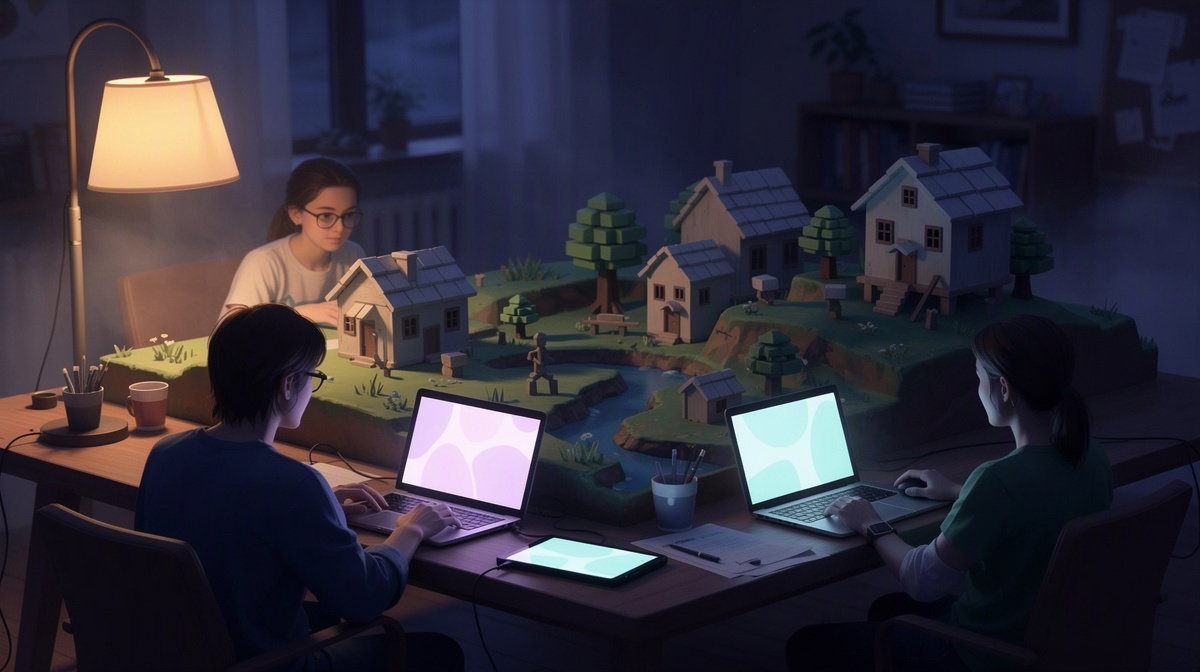
When people search for Luanti creative mode settings, they usually want the quickest way to make a shared world feel easygoing for friends. This guide covers the settings side, but if you also need a place to play, you can see Luanti on EphemeralHost: create the server in the browser, choose the slots, start it in the panel or with /start in Discord, and send your friends the address shown there.
For small groups, the simple part matters:
- pricing starts from 0.25 €/h
- billing is per minute on the price list
- when nobody is online, the server pauses by itself and the world stays saved
What creative mode settings mean in Luanti
When people look up Luanti creative mode settings, they usually want to know what those settings are meant to do for a shared world. In simple terms, creative mode settings shift the game away from survival pressure and toward building, testing, and group projects.
That changes the point of a session. Instead of spending most of your time collecting materials or recovering from mistakes, friends can focus on making something together, trying ideas quickly, and reworking builds without so much slowdown.
For a private server, creative mode is less about one switch and more about the style of play you want. It is useful to decide early whether your world is mainly for:
- free building
- planning larger shared spaces
- experimenting with designs
- casual play with fewer limits
That choice helps set expectations. A building-focused group may want as much freedom as possible. A mixed group may want creative features mainly to remove tedious parts while keeping some structure. Neither approach is more correct; they just suit different kinds of evenings.
Creative mode settings also shape how people work together. They can make collaboration easier by reducing friction around materials, rebuilds, and trial and error. That is often why groups search for them in the first place: not just to enable creative mode, but to make the world feel smoother for friends.
If you are setting up a shared world, it helps to pair your rules with a simple hosting flow for friends. Then the technical side stays straightforward, and your group can spend more time deciding how they actually want to play.
The best settings for a friends-only creative server
For a private Luanti world, the most useful creative mode settings are the ones that remove friction without removing every bit of structure. Friends usually have a better time when the world feels easy to build in, but the group still agrees on what is shared, what is personal, and what should stay untouched.
Start by deciding what kind of creative server you want. That choice matters more than trying to fine-tune everything at once.
A few common approaches work well:
- a shared build world where everyone contributes to the same areas
- a personal-plots world where each friend has space for their own ideas
- a testing world for quick experiments, rough drafts, and throwaway builds
- a long-term creative world for projects you want to revisit over time
Once you pick the style, set expectations that match it. In a shared world, friends should know whether they can edit each other’s work. In a personal-space world, it helps to make clear where group builds belong and where private builds begin. In a testing world, people should expect that some things will be temporary.
It is also smart to agree on how relaxed or organized the server should feel. Some groups like total freedom. Others enjoy having one person act as the host for decisions about theme, layout, or cleanup. Neither approach is better; the point is to choose one before the world gets crowded.
These questions usually settle most problems early:
- Are unfinished builds off-limits?
- Can anyone reshape the landscape anywhere?
- Should roads, paths, or central areas follow a shared style?
- Are joke builds and surprises welcome, or not?
- When something looks abandoned, who decides whether to remove it?
Keep the first setup light. A short list of rules is easier to follow than a long one. After one or two sessions, your group will usually know whether the world needs more freedom, more boundaries, or just clearer build etiquette.
How to start a Luanti server for your group

Starting a Luanti server for a small friend group is meant to be simple. The basic flow on EphemeralHost is to create the server in the browser, choose how many slots you want for the people who will join, and then start it from the panel when your group is ready to play.
At a high level, it looks like this:
- create your Luanti server in the browser
- pick the number of slots for your group
- start the server from the panel
- share the server address from the panel with your friends
If your group already organizes game nights through Discord, there is another easy option: you can start the server with /start in Discord instead of doing it from the panel. That can fit nicely when one person is coordinating the session and everyone is already chatting there.
Once the server is running, the panel shows the server address. The host can send that address directly to friends so they can join the world. For a private group, that keeps things straightforward: one person starts the server, copies the address, and shares it with the invited players.
Luanti on EphemeralHost starts from 0.25 €/h. The billing model is simple too: servers are billed per minute while they run. For many friend groups, that makes sense because they may only play on certain evenings, weekends, or short building sessions instead of wanting a server running all the time.
Another helpful part for shared worlds is what happens after the session ends. When nobody is online, the server pauses by itself and the world stays saved. That works well for groups that play together casually, take breaks between sessions, and want to come back to the same world later without leaving the server running in between.
Choosing settings that fit your group’s play style
For Luanti creative mode settings, the best choice is usually the one that removes the kind of friction your friends complain about most. Think about what slows your group down, then loosen that first.
A simple way to decide is to sort your group by session style:
- project nights: friends want to finish builds together
- drop-in play: people join at different times and do their own thing
- sandbox testing: the world is mainly for trying ideas, not keeping everything
For project nights, agree on shared goals before you start. It helps to decide what belongs in communal areas, what can be changed freely, and when to ask before reworking someone else’s build. That keeps group projects moving without turning every decision into a debate.
For drop-in play, use lighter rules. Friends who play this way usually benefit more from clear boundaries than from lots of discussion. Mark out personal areas, leave room for shared spaces, and make it obvious what should stay untouched.
For sandbox testing, treat the world as temporary by default. That makes experimenting easier because nobody feels too attached to rough drafts, half-finished ideas, or strange test builds.
A few ground rules often matter more than the setting itself:
- who can edit shared builds
- whether landscape changes are fine anywhere
- when unfinished work counts as abandoned
- whether jokes and surprise builds are welcome
If your group is unsure, start with fewer rules and add structure only after something actually causes friction. That usually works better than planning for every possible problem from the start.
If you want a comparison point for another friends-only game, see how another guide handles server settings.
Common questions about Luanti creative mode settings
Do creative mode settings mean every friend has to play the same way?
No. For a friends-only world, creative mode settings are often there to make group play easier, not to force one style on everyone.
A mixed group can still work well if you agree on a few basics first:
- which areas are for shared builds
- which spaces are personal
- what kinds of changes should be discussed first
That gives builders, planners, and casual drop-in players room to enjoy the same world without constant confusion.
Should a creative server still have rules?
Usually, yes, but only a few. Creative mode removes a lot of friction, so the main problems tend to be social rather than technical.
Short rules often help with things like:
- editing someone else’s work
- changing central areas
- leaving unfinished projects alone
- deciding what counts as a joke build versus griefing
A small set of expectations is often enough for a relaxed group.
Is it better to use one long-term world or a temporary test world?
That depends on why your group is playing.
A long-term world fits friends who want to keep shared builds, return to old projects, and shape one place over time. A test world is better for trying ideas quickly, making rough drafts, or letting people experiment without worrying about keeping everything.
Some groups even begin with a temporary world, then start a more organized one after they know what kind of rules they want.
What makes creative mode settings work well for casual game nights?
The useful part is clarity. Friends usually have a smoother session when they know the point of the world before they join.
For example, decide whether the night is for:
- finishing one group build
- free building and hanging out
- testing ideas without keeping them
That shared expectation matters more than making the setup complicated.
What happens after the session ends?
On EphemeralHost, when nobody is online, the server pauses by itself and the world stays saved. That suits friend groups who want to come back later without keeping the server running between sessions.
Keep your Luanti server simple and friend-focused
For a friends-only world, the best long-term choice is to keep decisions easy to remember. Creative mode works best when nobody has to stop and ask about every small change.
A practical starting point is to agree on three things:
- what counts as shared space
- what each person can treat as their own area
- how your group handles unfinished builds
That gives everyone enough freedom to build comfortably without turning the server into an argument.
The hosting side can stay just as light. Create the Luanti server in the browser, pick the slots, start it in the panel or with /start in Discord, and send your friends the address shown there. When nobody is online, it pauses by itself and the world stays saved.